Review · E-Readers

A Kobo Libra Colour Review for Libby Borrowers

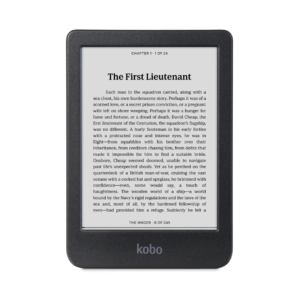
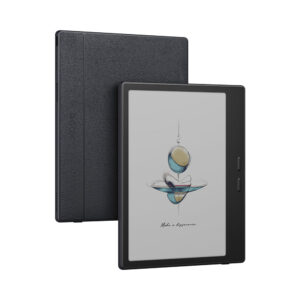
The Libra Colour is still Kobo's newest 7-inch reader two and a half years after its April 2024 launch, and the units in stores may not match the spec sheet. Units with the model number N428B, which iFixit dates to November 2025, carry a larger battery than the original N428, and Kobo's own product page still lists the smaller one.

TechRadar's e-reader guide, updated October 15, 2026, still names it the best e-reader overall, and The eBook Reader reviewed a unit bought at Walmart, though no lab has measured its screen or battery.

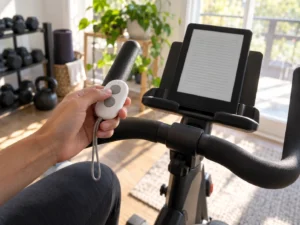
Its rival in October 2026 is Amazon's redesigned Kindle Colorsoft, which costs more, starts with half the storage and gets page-turn buttons only as an add-on, a Bluetooth remote or a button cover. The Kobo has two buttons on its grip edge, borrows Libby ebooks from its own Discover tab and opens EPUB files as they are.
By Published Research-based assessment

Affiliate disclosure: the price links on this page may earn us a commission at no extra cost to you. Retailers cannot pay for placement or influence the score. How we stay independent

Quick verdict

Kobo Libra Colour, 32 GB (N428, and the N428B revision since November 2025), Black N428-KU-BK-K-CK or White N428-KU-WH-K-CK
Kobo Libra Colour specifications
7.7/10
Editorial ratingGoodWeighted average of 5 rated sections.

Libby borrowing on the reader itself and two real page-turn buttons make it the e-reader to get when your books come from a library card. Color is a small extra, drawn at half the resolution of its black text.

Strengths

  • Borrows, holds and returns Libby ebooks from the reader's own Discover tab, with a phone needed only once to sign in
  • Two physical page-turn buttons
  • Opens EPUB, PDF, CBZ and CBR files without conversion

Weaknesses

  • Color drawn at half the resolution of black text
  • No library audiobooks
  • Stylus 2 sold separately

Key specifications

Model
Kobo Libra Colour, N428 (2024) or N428B (revision since November 2025, per iFixit), Black N428-KU-BK-K-CK, White N428-KU-WH-K-CK
Screen
7-inch E Ink Kaleido 3, 1264 x 1680, 300 ppi black and white, 150 ppi color, ComfortLight PRO with adjustable color temperature, dark mode
Storage and processor
32 GB, dual-core 2.0 GHz
Battery
2,050 mAh (N428) or 2,300 mAh (N428B, per iFixit). Kobo rates up to 40 days at 30 minutes a day, front light at 30 percent, Wi-Fi and Bluetooth off
Formats
15 native: EPUB, EPUB3, FlePub, PDF, MOBI, JPEG, GIF, PNG, BMP, TIFF, TXT, HTML, RTF, CBZ, CBR
Library and cloud
Libby (OverDrive) ebooks built in, Dropbox, Google Drive, Instapaper
Audio
Kobo audiobooks over Bluetooth, no speaker
Connectivity
Dual-band Wi-Fi 802.11 ac/b/g/n, Bluetooth, USB-C
Pen
Kobo Stylus 2, sold separately
Water resistance
IPX8, up to 60 minutes in 2 m of water
Size and weight
144.6 x 161 x 8.3 mm, 199.5 g
Repair
Display, battery, motherboard and covers sold by iFixit, with Kobo's backing

Full specification sheet and comparisons →

How we reviewed it

Basis
Research-based: assessed from the manufacturer’s published specifications, documentation and the independent sources listed at the end. We have not tested this unit ourselves; any measurement quoted belongs to the cited source.
Method

The library section follows Kobo's help pages on Libby borrowing (revised October 13, 2026) and on the beta builds that hid owners' content, with The eBook Reader on library audiobooks. The screen section sets Kobo's resolution figures and color-screen help page beside The eBook Reader's account of contrast, ghosting and comics. TechRadar's guide and Kobo's specifications supply the handling section. The battery section compares Kobo's rating and footnote with iFixit's device pages and repair guide for the N428 and N428B, and the pen section uses Kobo's product page with The eBook Reader's notes on the stylus.

Evidence

Kobo's specifications and help center, iFixit's repair documentation for both revisions, and two long-term reviews (TechRadar, The eBook Reader). No instrument measurements exist for this model.

Limitations

No lab has published brightness, contrast or battery measurements for either revision, so the battery section relies on Kobo's rating. Kobo does not say which revision a store ships, and its spec page still lists the original battery. Both reviews describe the 2024 N428, before the 2026 software updates.

Library ebooks from the Discover tab

8.4/10Excellent
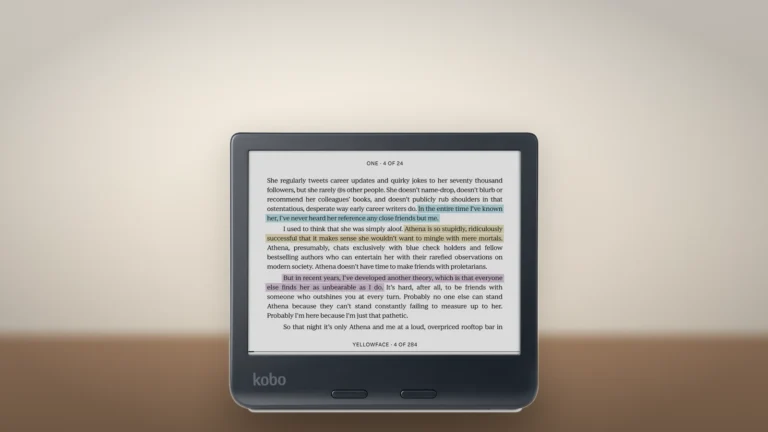
Black Kobo Libra Colour turned sideways on a wooden surface, showing a page of text with blue, yellow and purple highlights
The black Libra Colour held sideways, with the two page-turn buttons below the screen. The page shown is Kobo's sample. Product illustration based on manufacturer imagery: Kobo render on a generated backdrop

Once a library card is linked to your Kobo account, the reader's Discover tab lists Libby titles from OverDrive. You can borrow, place holds and let loans return themselves at the end of the lending period, according to Kobo's help page. Kobo revised the sign-in steps on October 13, 2026: scan the QR code the reader shows with your phone, because the "Sign in on this device" option may fail. The built-in feature works in 13 countries, the US and Canada among them.

Library audiobooks don't play on a Kobo, The eBook Reader notes, so only ebooks come through Libby. The audiobooks it does play come from Kobo's store and go to Bluetooth headphones or a speaker, since the reader has no speaker.

Kobo lists 15 native formats, EPUB, PDF, MOBI, CBZ and CBR among them, so files bought from other stores open as they are. Dropbox and Google Drive put files on the reader without a cable, and Instapaper saves web articles for later.

Owners who installed the 6.0 beta or the 5.18 build before it found sideloaded books, notes and reading stats missing, and Kobo's help article warns that rolling back or a factory reset deletes them for good. Its 6.0.2 beta brings back most of it, though not yet the highlights on sideloaded books. Readers on earlier versions were not affected.

Color at half the resolution of text

6.8/10Fair
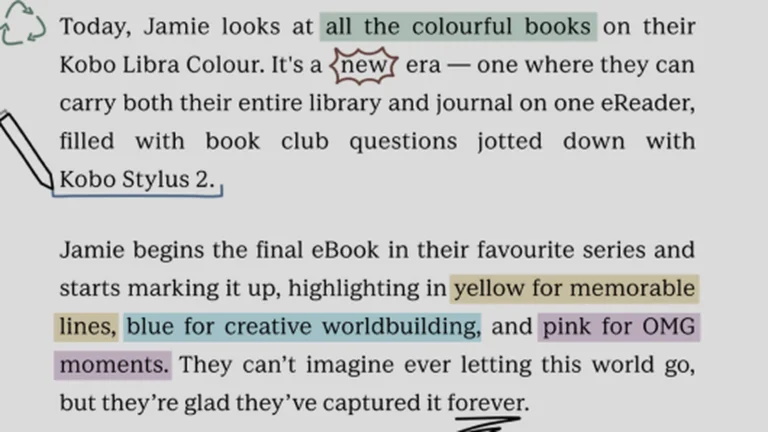
Close view of a Kobo Libra Colour page with text highlighted in green, yellow, blue and pink and a handwritten underline
Part of the white Libra Colour's screen showing colored highlights and pen marks on Kobo's sample page. Kobo render, authentic crop

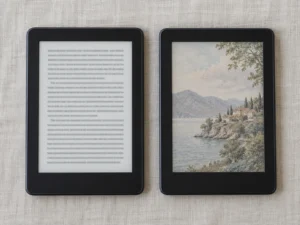
Kobo rates the 7-inch Kaleido 3 panel at 300 ppi for black-and-white content and 150 ppi for color, because a color filter sits over the E Ink. Kobo's help page on the color screen adds that it only shows color a page was designed with. A comic with a color cover and black-and-white panels stays black and white inside. Covers appear in color on the home screen and the sleep screen, and highlights and pen strokes can be color-coded.

The eBook Reader found contrast and clarity a step behind black-and-white E Ink, with less ghosting than on some other color E Ink readers and the occasional heavy flash on a page turn. Comics in landscape need a pinch-zoom to move around a page. In the comments under that review, owners called the screen too dark with the front light off, and the reviewer answered that color E Ink is meant to be read with the light on.

A novel with no color in it still sits under the filter, so its text looks a little less crisp than on a black-and-white reader.

Two buttons on a grip you can hold one-handed

8.4/10Excellent
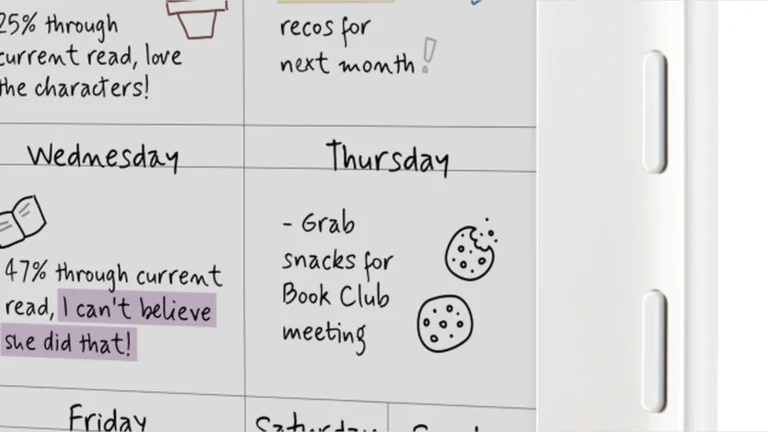
Close view of the white Kobo Libra Colour's right edge with its two page-turn buttons beside a handwritten planner on screen
The two page-turn buttons on the grip edge of the white Libra Colour. Kobo render, authentic crop

The right edge thickens into a grip that carries two page-turn buttons. The reader weighs 199.5 g and measures 144.6 by 161 by 8.3 mm, and TechRadar notes it is lighter than the 215 g Libra 2 it replaced. TechRadar also found the 7-inch screen the right size for most readers and the shape easy to use in one hand.

Kobo rates it IPX8, waterproof for up to 60 minutes in 2 meters of water. The eBook Reader calls the plastic casing nothing special but found the handle edge more rounded and comfortable than the Libra 2's.

One battery rating, two batteries

7.4/10Good
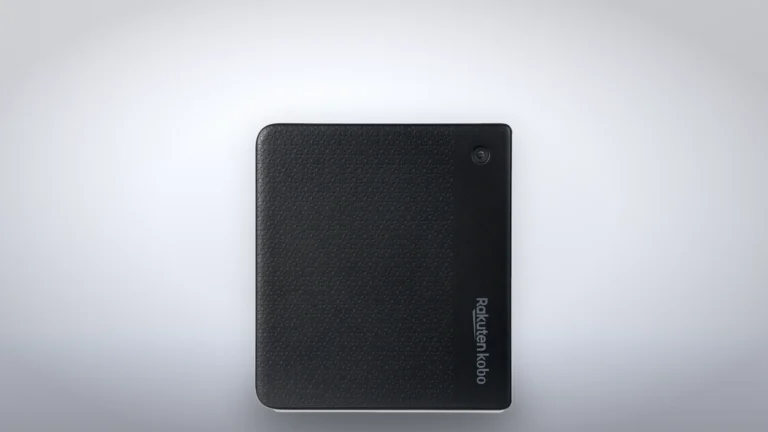
Back of the black Kobo Libra Colour with its textured cover, round power button and Rakuten Kobo logo
The back cover of the black Libra Colour, which comes off for a battery swap. Product illustration based on manufacturer imagery: Kobo render on a generated backdrop

Kobo rates a charge at up to 40 days, based on 30 minutes of reading a day with the front light well below full and Wi-Fi and Bluetooth off. That adds up to 20 hours of reading. At an hour a night it is 20 days, before a brighter light or Wi-Fi takes its share.

The N428B revision carries 2,300 mAh to the N428's 2,050, according to iFixit, yet Kobo kept the same 40-day rating and still lists 2,050 mAh. The eBook Reader found no way to tell which revision a store will send. You can check yours under More, Settings and then About.

Kobo designed this model to be repaired. iFixit sells its display, battery, motherboard and covers, and its N428 battery guide+Battery+Replacement/170316) rates the swap moderate at 20 to 30 minutes. Opening the case ends the IPX8 rating, and batteries differ by revision, so the model number decides which one you order.

Notes in the margin need a separate pen

6.6/10Fair
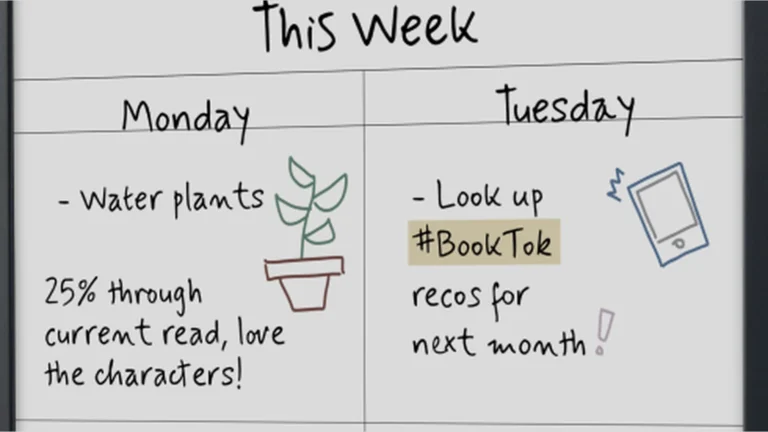
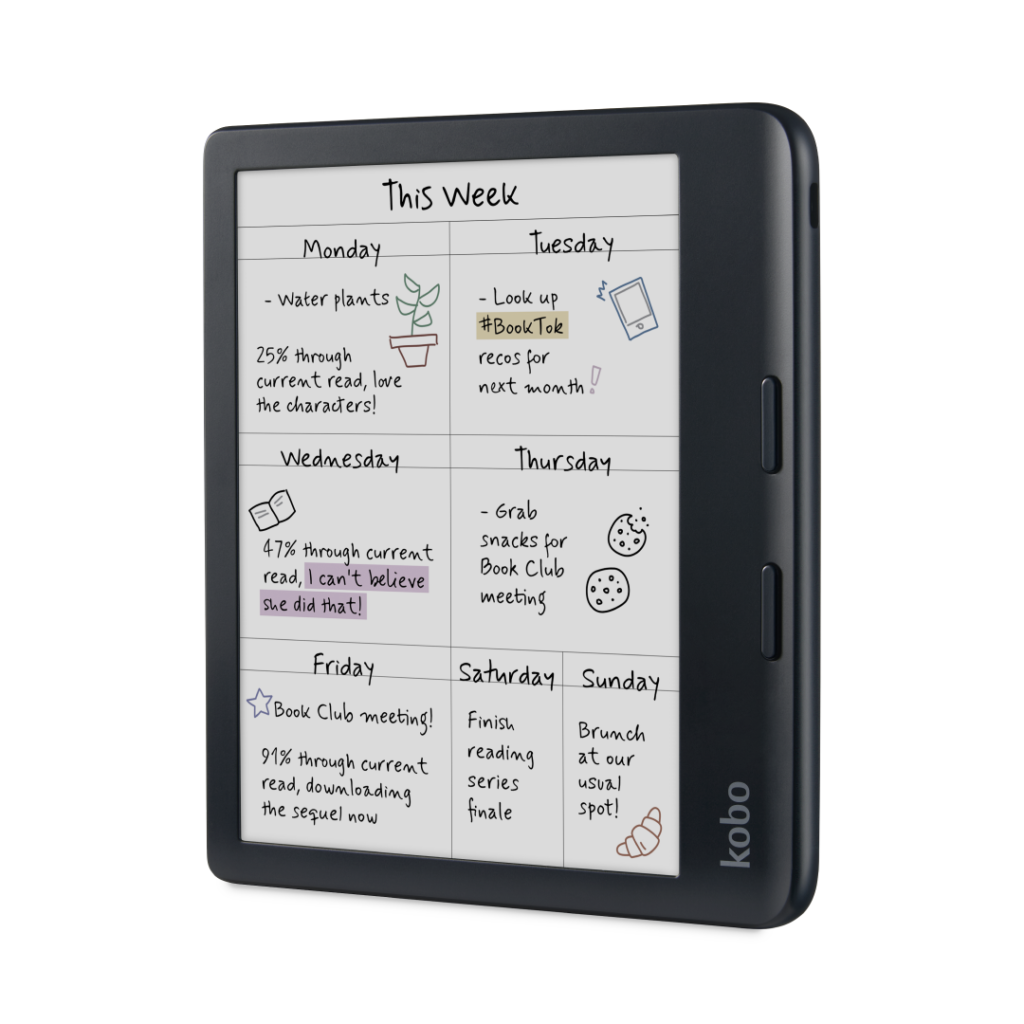
Close view of a handwritten weekly planner on the Kobo Libra Colour screen, with a highlighted BookTok note and small drawings
A handwritten planner page on the black Libra Colour, from Kobo's sample notebook. Kobo render, authentic crop

With a Kobo Stylus 2 you can write in the margins of an ebook, highlight in color and use the Notebooks app with handwriting conversion. The pen is sold separately, per Kobo's product page, and The eBook Reader listed its cost among the cons. Kobo's repair program does not cover the stylus. TechRadar points out that the Kindle Colorsoft has no note-taking at all.

Alternatives worth considering

Kobo Clara BW

Kobo Clara BW

Kobo's black-and-white six-inch reader keeps Libby and EPUB and gives a crisper page for less, but drops the buttons and the pen.

BOOX Go Color 7 (Gen II)

A 7-inch Kaleido 3 reader with page-turn buttons that runs Android and the Google Play Store, so the Kindle and Libby apps install side by side. You trade Kobo's built-in store and simple setup for that.

Where to buy

In-stock offers for this exact model, sorted by item price in USD. Shipping is not included unless a retailer supplies it. Not every retailer is listed. Prices last checked 5 hours ago.

Retailer prices for the Kobo Libra Colour, 32 GB (N428, and the N428B revision since November 2025), Black N428-KU-BK-K-CK or White N428-KU-WH-K-CK
RetailerItem priceShippingAvailabilityCheckedLink
Amazon.com$259.99See retailerIn stockCheck price at Amazon.com

Prices and availability come from retailer feeds and change without notice; the retailer’s page is authoritative. We may earn a commission if you buy through these links.

Final verdict

Kobo Libra Colour, 32 GB (N428, and the N428B revision since November 2025), Black N428-KU-BK-K-CK or White N428-KU-WH-K-CK
7.7/10Editorial ratingGood

Score breakdown

Scores run from 1.0 to 10.0: 9+ exceptional, 8–8.9 excellent, 7–7.9 good, 6–6.9 fair, 5–5.9 mediocre, below 5 poor. The overall score is the weighted average of the rated sections. Unrated sections do not count.

Pros

  • Borrows, holds and returns Libby ebooks from the reader's own Discover tab, with a phone needed only once to sign in
  • Two physical page-turn buttons
  • Opens EPUB, PDF, CBZ and CBR files without conversion
  • Official iFixit parts for the battery, screen and motherboard

Cons

  • Color drawn at half the resolution of black text
  • No library audiobooks
  • Stylus 2 sold separately
  • A battery swap ends the IPX8 rating
  • No way to pick the larger-battery N428B when ordering

Conclusion

Kobo's 7-inch color reader has gone two and a half years without a successor, and its library tab, its buttons and its open file support still set it apart from the Kindles. The trade is a screen that draws color at half the resolution of text, plus a pen sold on the side.

The About page under Settings shows which battery you got: an N428B has the larger one, an N428 the original.

Andreea-Viviana Jitaru’s take

Borrowing from the Libby tab takes a few taps on the Libra Colour itself, and that, more than color, is what I'd pay for. The buttons are the other reason, since long sessions in bed are easier one-handed. Color highlights are a small extra on a novel.

Best for
  • Library borrowers
  • Readers who buy ebooks from more than one store
  • Anyone who reads one-handed in bed, on a train or in the bath, where the buttons and the IPX8 rating both count
Consider an alternative if
  • Your books come from the Kindle store
  • You read only plain prose
  • You want library audiobooks and library ebooks on the same device, borrowed with the same card

Questions readers ask

Does the Kobo Libra Colour work with Libby?

It borrows Libby ebooks. Link a library card to your Kobo account, sign in with the QR code the reader shows, then borrow from the Discover tab. Library audiobooks are not supported.

Is the Kobo Stylus 2 included?

No. Kobo sells it separately, and the reader's note-taking features need it.

What is the difference between the N428 and the N428B?

The N428B is a revision that iFixit dates to November 2025, with a larger battery and slightly redesigned internals. Kobo gives both the same 40-day battery rating.

Can I replace the battery myself?

Kobo works with iFixit, which sells a battery for each revision along with a step-by-step guide. Opening the reader ends its IPX8 water resistance.

About the reviewer

Editor

Andreea edits the written side of the site: the editor's note on each product page, the category buying guides and the blog. Her brief is to say what a specification table cannot: where a product is good, where it quietly compromises, and who should walk past it. A note that reads like marketing copy, or that praises a product without naming a drawback, does not go live.

This is a research-based assessment: the reviewer compiled it from published specifications, documentation and independent measurements rather than from testing the unit.

Profile and other work →

Sources

← Back to the blog