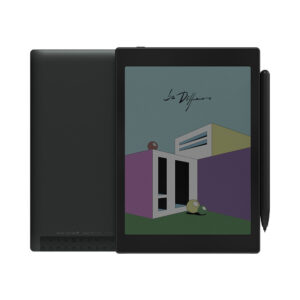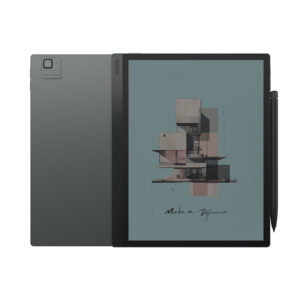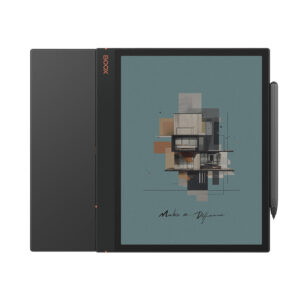
ReaderPilot compares e-readers and reading tablets side by side: full specifications, weighted VS Scores and live retailer prices, with a published methodology and no pay-to-rank.
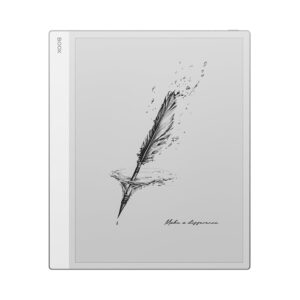
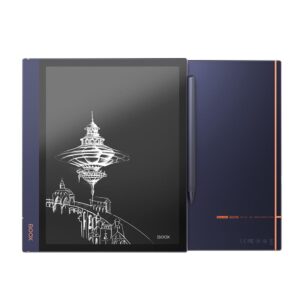
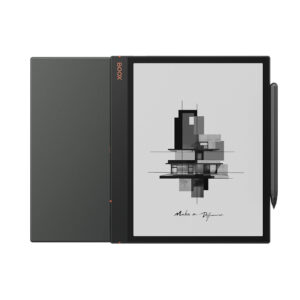
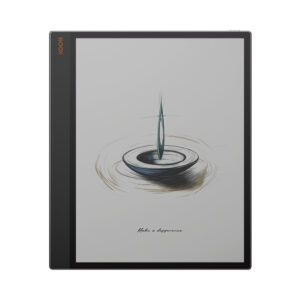
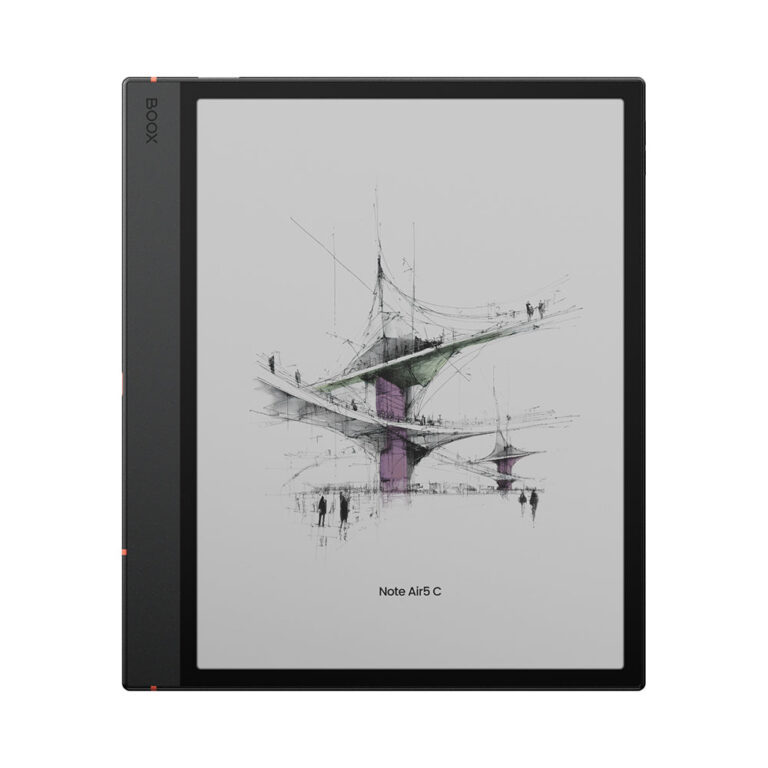
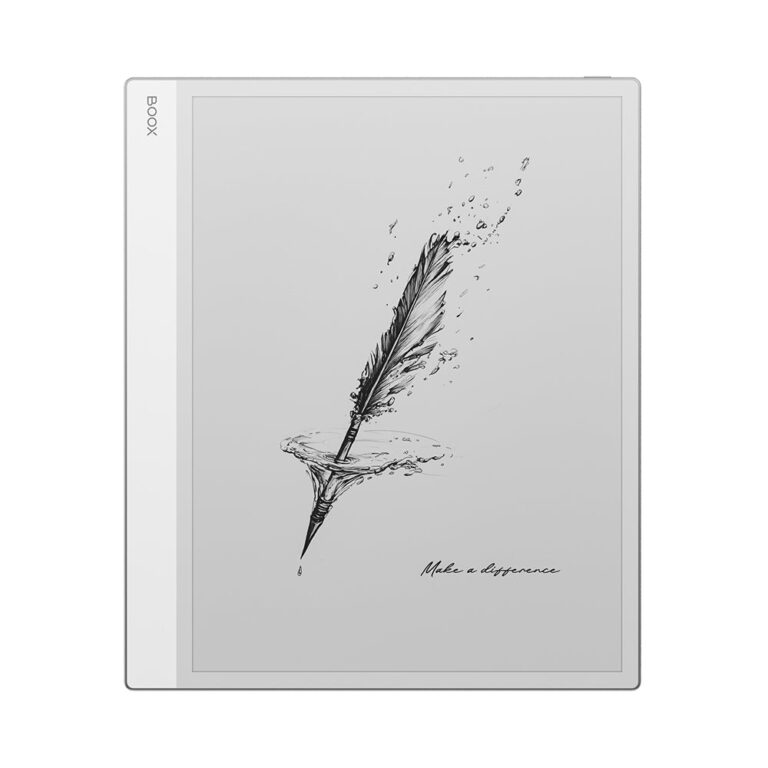
Two BOOX writing tablets, and a table that is really about one row: screen size. The Note Max has a 13.3-inch black-and-white panel at 300 pixels per inch, no front light, and a thinner, heavier body. The Note Air5 C has a 10.3-inch colour panel with a front light and warm light, a newer Android version, a fingerprint reader and a card slot, at a weight you can hold in one hand. The rest of the diff rows follow from which of those two panels BOOX chose to build around.
The row that decides it is the front light, more than the size. The Max has none. In daylight or under a desk lamp that gives the cleanest page of any E Ink device, with nothing between you and the ink. The moment the light drops, a lamp becomes part of the kit. The Air5 C reads anywhere, in bed, on a train, at night, because the light is built in. That is not a small difference for a device most people also want to read on.
Each compromises in the open. The Max gives up the light and the colour to make fixed-layout documents, the PDFs, scores and contracts that suffer on a smaller panel, readable at close to printed size. The Air5 C gives up that canvas and accepts the greyer background that a colour filter puts over the page, in exchange for portability, colour and a device that works in the dark.
Who is wrong for whom: a researcher, lawyer or musician who lives in fixed layouts and works mostly at a desk will find the Air5 C small. A student annotating papers on the move, or anyone who reads in bed, will find the Max unusable after dark and heavy on the lap. And anyone who mostly reads reflowable books should look past both, because a large Android writing tablet is the wrong tool for a novel.
Editor’s note
The Note Max is the rare E Ink device where size is the whole argument, and it is honest about the cost. Leaving out the front light was a defensible choice, because the unlit panel really is cleaner, but it makes this a daylight device and a poor only-reader. Weight is the other quiet limitation: light for its size, heavy on a lap for an evening. Walk past it if you read in bed or on evening travel, and if most of what you read reflows, because then a bigger screen mostly buys wider margins.
The Note Air5 C is a notebook first and a reader second, and it is good at both because the hardware is arranged around the pen. The open Android side cuts both ways: you get every app you want, and you get the job of making them behave on electronic paper, tuning refresh settings app by app before you settle. The colour panel is the other trade. Colour is genuinely useful for textbooks and comics, and it costs a visibly greyer white than a monochrome page.
Who should walk past each: desk-bound PDF readers past the Air5 C, night readers and commuters past the Max, and novel readers past both, since a dedicated reader is lighter, cheaper and lasts far longer between charges.
Tap a category to see which one wins it.
Display
BOOX Note Air5 C74
BOOX Note Max58
BOOX Note Air5 C wins Display
Writing
BOOX Note Air5 C100
BOOX Note Max100
This category is a tie
Software
BOOX Note Air5 C100
BOOX Note Max78
BOOX Note Air5 C wins Software
Performance
BOOX Note Air5 C68
BOOX Note Max100
BOOX Note Max wins Performance
Battery
BOOX Note Air5 C100
BOOX Note Max100
This category is a tie
Connectivity
BOOX Note Air5 C100
BOOX Note Max100
This category is a tie
Design
BOOX Note Air5 C68
BOOX Note Max32
BOOX Note Air5 C wins Design
83Points
74Points
Head-to-head points: every spec is scaled between these products only, so a product can score high here and modestly on its own page, where the VS Score measures it against the median of its class.
Where the BOOX Note Air5 C beats the BOOX Note Max
Has color display ?
Has front light ?
Has adjustable warm light ?
A higher android version ?15 vs 13
A lighter build ?440 g vs 615 g
Where the BOOX Note Max beats the BOOX Note Air5 C
A bigger screen ?13.3" (33.78 cm) vs 10.3" (26.16 cm)
The spec sheet pulls in both directions. These are the gaps big enough to shape the decision — with the actual figures, and what each one means in real-world use.
Front lightDisplay
Yes vs No — only the BOOX Note Air5 C has it
A built-in light for working in the dark.
Color displayDisplay
Yes vs No — only the BOOX Note Air5 C has it
A colour E Ink panel shows coloured ink, highlights and diagrams.
WeightDesign
440 g vs 615 g — 28.5% less for the BOOX Note Air5 C
A lighter tablet is more comfortable to hold and carry.
Internal storagePerformance
64 GB vs 128 GB — 2× more for the BOOX Note Max
More storage holds more notebooks, books and documents.
ThicknessDesign
5.8 mm vs 4.6 mm — 20.7% less for the BOOX Note Max
A thinner tablet is easier to carry.
Which one should you buy?
There is no single answer — it depends on what you will actually use it for. Match your priority to the pick below.
Best for displayBOOX Note Air5 C takes the category 74 to 58 — driven by front light (Yes vs No).
Best for softwareBOOX Note Air5 C takes the category 100 to 78 — driven by android version (15 vs 13).
Best for performanceBOOX Note Max takes the category 100 to 68 — driven by internal storage (64 GB vs 128 GB).
Best for designBOOX Note Air5 C takes the category 68 to 32 — driven by weight (440 g vs 615 g).
The safe all-rounderBOOX Note Air5 C wins more of the categories that carry real weight, topping the overall VS Score at 83.
Where each one falls short
BOOX Note Air5 C
Internal storage: 64 GB vs 128 GB
Screen size: 10.3" (26.16 cm) vs 13.3" (33.78 cm)
Thickness: 5.8 mm vs 4.6 mm
13 specs are unreported (shown as Unknown) and excluded from its scores.
BOOX Note Max
Front light: Yes vs No
Color display: Yes vs No
Adjustable warm light: Yes vs No
14 specs are unreported (shown as Unknown) and excluded from its scores.
What matters to you?
Drag the sliders to weight each category and re-rank the products to suit your priorities.
Display
Writing
Software
Performance
Battery
Connectivity
Design
Your ranking
BOOX Note Air5 CYour pick86
BOOX Note MaxYour pick78
Score breakdown
Display
BOOX Note Air5 C74
BOOX Note Max58
Decided by front light (Yes vs No) and color display (Yes vs No).
Writing
BOOX Note Air5 C100
BOOX Note Max100
Software
BOOX Note Air5 C100
BOOX Note Max78
Decided by android version (15 vs 13).
Performance
BOOX Note Air5 C68
BOOX Note Max100
Decided by internal storage (64 GB vs 128 GB).
Battery
BOOX Note Air5 C100
BOOX Note Max100
No verified winner: capacity is not a runtime figure, and a rated battery life is missing for at least one product.
Connectivity
BOOX Note Air5 C100
BOOX Note Max100
Design
BOOX Note Air5 C68
BOOX Note Max32
Decided by weight (440 g vs 615 g) and thickness (5.8 mm vs 4.6 mm).
Display
Screen size ?
10.3" (26.16 cm)
13.3" (33.78 cm)
Resolution ?
2,480 px
3,200 px
Pixel density ?
300 ppi
300 ppi
Screen technology ?
E Ink Kaleido 3
E Ink Carta 1300
Color display ?
✓BOOX Note Air5 C
✗BOOX Note Max
Front light ?
✓BOOX Note Air5 C
✗BOOX Note Max
Adjustable warm light ?
✓BOOX Note Air5 C
✗BOOX Note Max
Fast refresh modes ?
✓BOOX Note Air5 C
✓BOOX Note Max
Writing
Stylus included ?
✓BOOX Note Air5 C
✓BOOX Note Max
Pen pressure levels ?
? Unknown (BOOX Note Air5 C)
4,096
Pen latency ?
? Unknown (BOOX Note Air5 C)
? Unknown (BOOX Note Max)
Pen type ?
? Unknown (BOOX Note Air5 C)
BOOX Pen Plus (no pairing or charging)
Palm rejection ?
? Unknown (BOOX Note Air5 C)
? Unknown (BOOX Note Max)
Handwriting recognition ?
? Unknown (BOOX Note Air5 C)
? Unknown (BOOX Note Max)
Pen eraser ?
? Unknown (BOOX Note Air5 C)
? Unknown (BOOX Note Max)
Software
Operating system ?
Android 15
Android 13
Android version ?
15
13
App store ?
✓BOOX Note Air5 C
✓BOOX Note Max
Cloud sync ?
✓BOOX Note Air5 C
✓BOOX Note Max
Subscription required ?
? Unknown (BOOX Note Air5 C)
? Unknown (BOOX Note Max)
Screen mirroring ?
? Unknown (BOOX Note Air5 C)
? Unknown (BOOX Note Max)
Split-screen ?
✓BOOX Note Air5 C
✓BOOX Note Max
Performance
Chipset ?
Octa-core with BSR GPU
2.8 GHz octa-core + BSR
RAM ?
6 GB
6 GB
Internal storage ?
64 GB
128 GB
Expandable storage (microSD) ?
✓BOOX Note Air5 C
? Unknown (BOOX Note Max)
Battery
Battery capacity ?
3,700 mAh
3,700 mAh
Battery life (weeks) ?
? Unknown (BOOX Note Air5 C)
? Unknown (BOOX Note Max)
Charge time ?
? Unknown (BOOX Note Air5 C)
? Unknown (BOOX Note Max)
USB-C ?
✓BOOX Note Air5 C
✓BOOX Note Max
Connectivity
Bluetooth ?
✓BOOX Note Air5 C
✓BOOX Note Max
5 GHz Wi-Fi support ?
✓BOOX Note Air5 C
? Unknown (BOOX Note Max)
Keyboard support ?
✓BOOX Note Air5 C
✓BOOX Note Max
Speakers ?
✓BOOX Note Air5 C
✓BOOX Note Max
Microphone ?
✓BOOX Note Air5 C
✓BOOX Note Max
Rear camera ?
? Unknown (BOOX Note Air5 C)
? Unknown (BOOX Note Max)
Biometric unlock ?
✓BOOX Note Air5 C
? Unknown (BOOX Note Max)
Design
Weight ?
440 g
615 g
Thickness ?
5.8 mm
4.6 mm
Build material ?
? Unknown (BOOX Note Air5 C)
? Unknown (BOOX Note Max)
Colors ?
? Unknown (BOOX Note Air5 C)
? Unknown (BOOX Note Max)
Specs last verified September 10, 2026BOOX Note Air5 C: 28 of 41 specs verified (68%)BOOX Note Max: 27 of 41 specs verified (66%)Unverified specs show as Unknown — never estimated, never scored
Choose the BOOX Note Max if your documents are fixed-layout PDFs and scores, your reading happens at a desk or in daylight, and you want the largest, cleanest monochrome page BOOX makes. Choose the BOOX Note Air5 C if you annotate as you read, carry the device, read in bed, or want colour for diagrams and textbooks, and can live with a smaller canvas.
The trade-off that decides it is light against size. The Max's unlit panel is the purest page and the most demanding one; the Air5 C's lit, colour panel is the more usable device and the less perfect page. Neither is the right buy for someone who mainly reads novels.
We keep cookies to a minimum. The only ones this site sets are the ones it needs to work — remembering your answer here, keeping the site secure, and signing you in if you choose to post a review. We run no advertising cookies, and we measure traffic without cookies at all.Cookie policy
Customise consent preferences
Each category below lists the exact cookies behind it, what they do and how long they last. Strictly necessary cookies cannot be switched off because the site would stop working without them; anything else is yours to decline.
NecessaryAlways active
Strictly necessary cookies keep the site working and secure: they remember your choice here, protect forms from abuse and keep you signed in to the admin area. The site cannot run without them.
Show the cookies in this category (7)
cmp_consent
ReaderPilot · 1 year
Remembers your consent choice for each cookie category, so the banner does not ask again on every page.
cmp_visitor
ReaderPilot · Session (until you close the browser)
Marks your browser as a real visitor, so a comparison page is built when someone actually opens one rather than when a crawler passes through. It holds the value 1 and nothing else — no identifier, no history.
wp-settings-(id), wp-settings-time-(id)
WordPress · 1 year
Remembers layout preferences inside the WordPress admin screens. Set only for accounts that sign in to run the site, never for ordinary visitors.
wfwaf-authcookie-(hash)
Wordfence (Defiant, Inc.) · 12 hours
Lets the Wordfence firewall check a signed-in user’s access level before WordPress loads, so administrators are not blocked by firewall rules. Set only when you log in to the site.
wf_loginalerted_(hash)
Wordfence (Defiant, Inc.) · Persistent
Records that the administrator has already been alerted about a sign-in from this device. Only used if login alerts are enabled; set only when you log in to the site.
wfCBLBypass
Wordfence (Defiant, Inc.) · Only if enabled
Allows a visitor who knows a hidden bypass address to pass country blocking. Only used if country blocking is enabled — we do not currently use it.
wfls-remembered-(hash)
Wordfence (Defiant, Inc.) · Up to 30 days
Remembers a trusted browser for two-factor login when a signed-in user chooses “remember this device”. Set only for site accounts that use two-factor authentication.
Functional
Functional cookies are set only when you choose a feature that needs them — signing in with Google to post a review. Decline and the rest of the site works exactly as before; only that button stops working.
Show the cookies in this category (1)
g_state (and Google’s own sign-in cookies)
Google · Set by Google
Set only if you use the Google sign-in button to post a review; it remembers the state of that prompt so it is not shown again. Governed by Google’s own policy.
Set by other sites
These are set on a retailer’s own website after you click through to it, so they are governed by that site rather than by this banner.
Show the cookies in this category (1)
Retailer / affiliate cookies
Amazon & affiliate networks · Set by the retailer
Set on the retailer’s own website after you click a “View deal” link, to attribute a purchase. We do not set or read these.