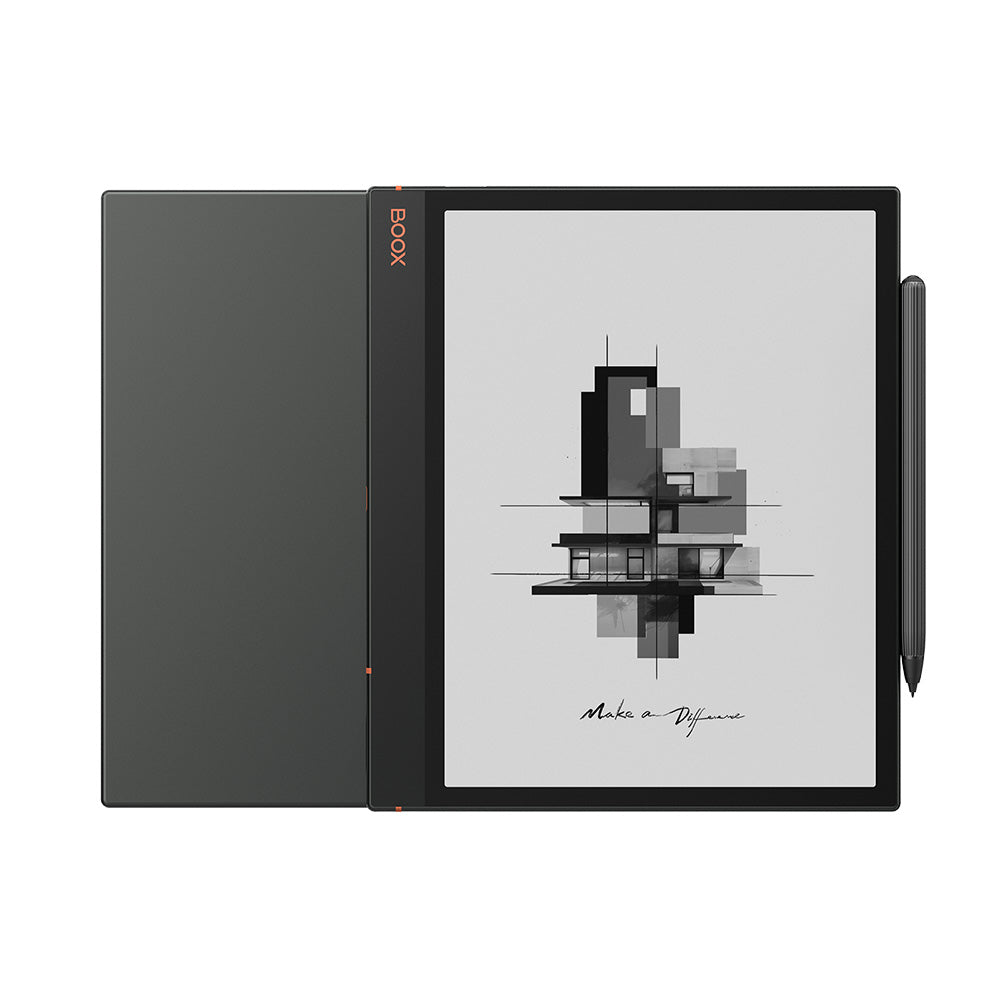
BOOX Note Air3: Specs, Features, Pros & Cons
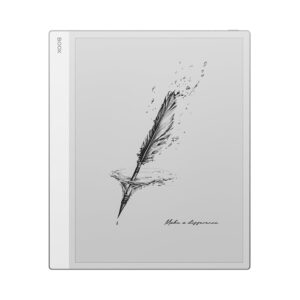
Onyx sells the Note Air3 and the Note Air3 C from the same page, in the same aluminium shell, at the same thickness, with a specification list that runs in two columns and is very easy to read off the wrong way round. The difference that matters is the panel, and the ordering of that page implies a hierarchy that does not exist. The C gets Kaleido colour. This one keeps plain monochrome Carta 1200, and that is not the lesser choice.
Kaleido works by laying a colour filter array over a monochrome panel, which costs contrast and cuts effective resolution for the colour layer. The mono Note Air3 has neither problem. What it does have is a pixel density of 227 ppi, noticeably below the 300 ppi that six and seven-inch readers made the norm, because the panel is large and the pixel count was not scaled up to match it. Text is perfectly legible at normal reading distance. It is not as crisp as a small reader held the same way, and anyone stepping up from a Paperwhite will see the difference in the first paragraph.
The rest is a competent large-format notebook. There is a fingerprint reader built into the power button, stereo speakers, a microphone, a microSD tray and a stylus in the box. Android with the Play Store on top means it also works as a PDF reader, a browser and, if you insist, a very slow tablet.
Two things are worth knowing before you reach the table. The bundled Pen Plus is the basic stylus. The Pen2 Pro with the eraser end is a separate purchase, and it is the pen most write-ups are describing. And the thin aluminium body carries no water resistance rating at all, over a glass screen.
Category strengths
Where the BOOX Note Air3 trails the average
- A lower pixel density ?227 ppi vs 300 ppi (avg)
- No color display ?
- Lower resolution ?1,872 px vs 2,480 px (avg)
How this VS Score was computed
Score 55: each known spec is measured against the median of E Ink note e ink tablets (10 products, medians winsorised to the 10th–90th percentile), then weighted. 47% of the scoreable weight could be used; unknown values, features not applicable to this class and proxies (battery capacity where a rated life exists) add or remove nothing.
| Specification | This product | Cohort median | Score weight | Points moved |
|---|---|---|---|---|
| Front light | Yes | 70% of the class have it | 1 | +50.0 |
| Adjustable warm light | Yes | 70% of the class have it | 0.7 | +35.0 |
| Color display | No | 50% of the class have it | 0.7 | −33.6 |
| Expandable storage (microSD) | Yes | 71% of the class have it | 0.5 | +25.0 |
| Pixel density | 227 | 300 | 1.5 | −18.0 |
| Screen size | 10.3 | 10.3 | 1.5 | +0.0 |
| Pen pressure levels | 4,096 | 4,096 | 0.7 | +0.0 |
| Android version | 12 | 12 | 0.5 | +0.0 |
| RAM | 4 | 4 | 1 | +0.0 |
| Internal storage | 64 | 64 | 0.7 | +0.0 |
| Battery capacity | 3,700 | 3,700 | 1.5 | +0.0 |
| Thickness | 5.8 | 5.8 | 0.7 | +0.0 |
Not scored: Resolution (one resolution dimension is not a sharpness measure; pixel density is scored instead); Fast refresh modes (unknown: not scored); Stylus included (standard for the class (90% have it)); Pen latency (unknown: not scored); Palm rejection (unknown: not scored); Handwriting recognition (standard for the class (100% have it)); Pen eraser (too few comparable peers (2, need 3)); App store (standard for the class (100% have it)); Cloud sync (standard for the class (100% have it)); Subscription required (too few comparable peers (2, need 3)); Screen mirroring (unknown: not scored); Split-screen (standard for the class (100% have it)); Battery life (weeks) (unknown: not scored); Charge time (unknown: not scored); USB-C (standard for the class (100% have it)); Bluetooth (standard for the class (100% have it)); 5 GHz Wi-Fi support (standard for the class (100% have it)); Keyboard support (unknown: not scored); Speakers (standard for the class (100% have it)); Microphone (standard for the class (100% have it)); Rear camera (unknown: not scored); Biometric unlock (standard for the class (100% have it)); Weight (unknown: not scored).
Editor’s note
The argument for this over a reMarkable or a Supernote is openness, and the argument against it is the same sentence. Onyx hands you the Play Store, so the device will open your work email, your reference manager, whichever PDF viewer your employer insists on, and a music app while you annotate. reMarkable gives you none of that and is markedly better at the single job it does: the writing surface is tuned, the software is coherent, and nothing on it ever invites you to check a notification. Which of those you want is a temperament question more than a specification question, and it is worth being honest with yourself about it before spending this much.
Where I think this device earns its keep is document work rather than blank-page note-taking. A ten-inch monochrome panel is the right size to show an A4 page at close to full scale, and marking up papers, contracts or sheet music with a pen is the point at which large e-ink stops feeling like a novelty and starts replacing paper. As a notebook it is fine. Latency is good without being class-leading, and the handwriting tools are powerful in the way BOOX software usually is, which means capable and slightly unfriendly.
The bundled pen is the honest weak spot. Discovering in the first hour that the eraser end is an upsell is a sour way to start, and Onyx's accessory pricing is not generous.
Value turns on whether the colour sibling tempts you away. For reading, it should not. Kaleido at this size looks washed out beside what this panel does with plain black text, and you pay a premium for the privilege. Want colour badly enough to accept lower contrast and buy the C. Want to read and mark up documents, and this is the better half of the pair.
Specifications
Quality bars are generated automatically against 9 other e ink tablets.
Display
Writing
Software
Performance
Battery
Connectivity
Design
Sources and verification
Where the specifications come from
- Official product pageshop.boox.com
Verification
- First published
- Specifications last checked
- Sheet completeness
- 31 of 41 specifications verified; the rest show as Unknown and are never estimated or scored
- Page type
- Product specification page — Compiled from the manufacturer’s published specifications and the cited sources; this is not a hands-on test.
- Basis
- Research-based: specifications and editorial text were compiled from the documents listed here and the manufacturer’s published data. We have not tested this unit ourselves; where independent measurements are mentioned they belong to the linked publication.
E Ink Tablets with similar specs to the BOOX Note Air3
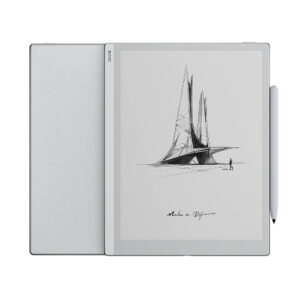
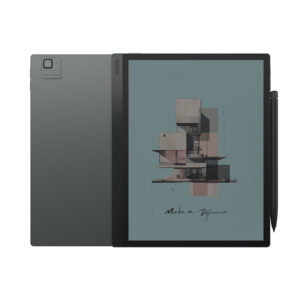
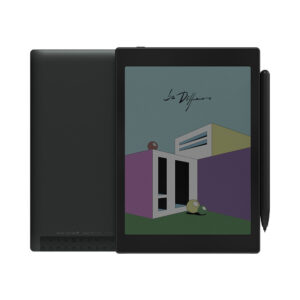
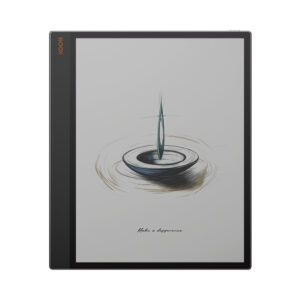
Ratings & reviews
No reviews yet. Be the first to share your experience.
The bottom line
The BOOX Note Air3 earns a VS Score of 55, a solid mid-pack result among the 10 e ink tablets we compare here.
- Who it’s for
- People who mark up full-page documents – papers, contracts, sheet music – and need the same device to run whatever reference or PDF app their work depends on.
- Who should look elsewhere
- Anyone looking for a distraction-free writing slate. A reMarkable does that with far better software discipline, and putting an app store on the thing defeats the purpose.
- The trade-off that matters
- The large page is the reason to buy it, but the panel is not sharp enough to match a small reader held at the same distance, so text looks softer than you may expect.
- The main alternative
- BOOX Tab Ultra C Pro – same size and same software, with Kaleido colour and a camera, if colour annotation matters to you more than contrast does.
The VS Score is calculated from the weighted specifications above, compared with every other e ink tablet we track — a shortlisting guide, not a substitute for your own priorities. See how we score.