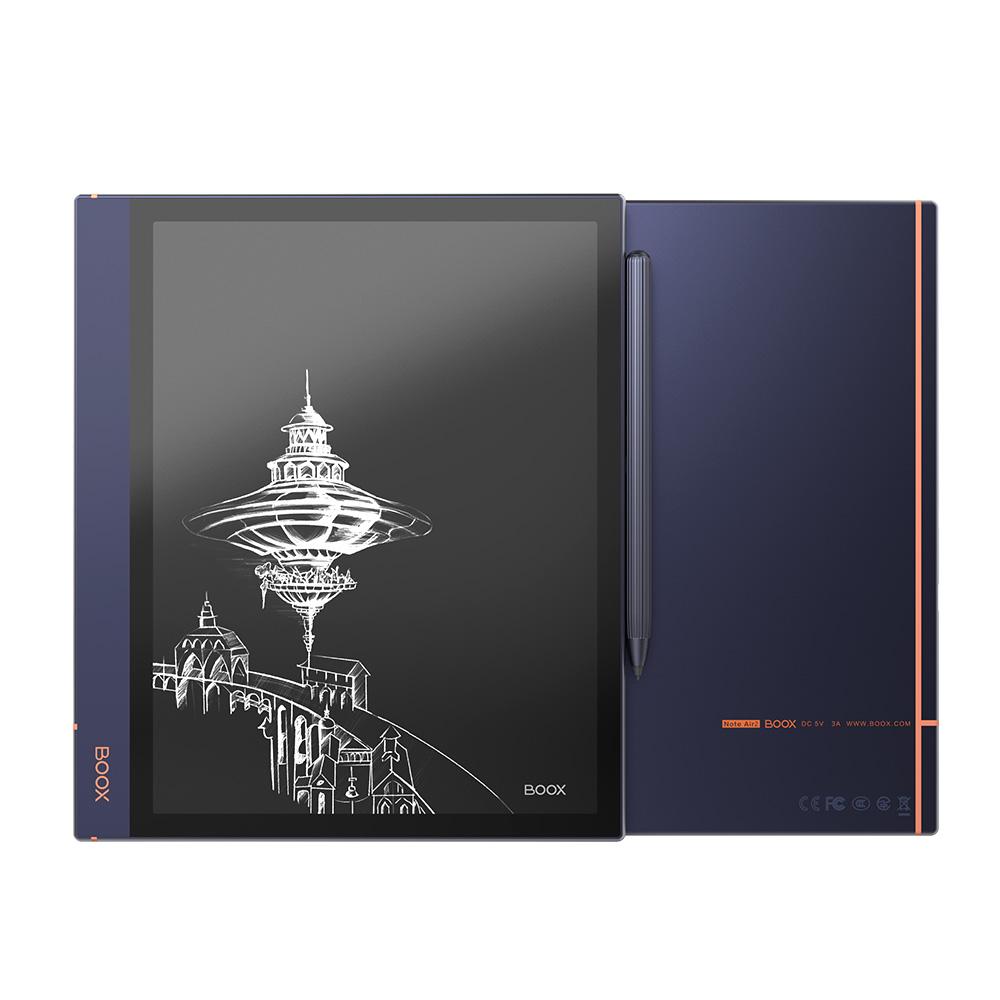
BOOX Note Air2: Specs, Features, Pros & Cons
Two products share this shell. The Note Air2 and the Note Air2 Plus have the same screen, the same aluminium body, the same thickness, the same pen and the same software, and differ in exactly one component: the battery. Because BOOX sells them from a single page with the columns side by side, their specifications get conflated everywhere, including by shops that ought to know better. This page is the plain Note Air2, the shorter-running of the pair.
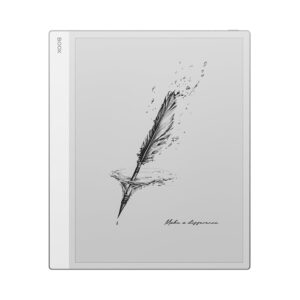
What it is, once that is settled, is a large monochrome E Ink tablet built for writing on as well as reading. A stylus comes in the box, the glass sits flush with the bezel so a pen nib does not catch on a lip, and a front light with both warm and cold emitters means it works in a dark room without the blue cast of a phone.
The part that separates BOOX from most of this category is that it runs ordinary Android with an open app store. Kindle, Kobo, Google Drive, a note app you already use – all of them install, which is why people buy these instead of a closed device. It has speakers and a microphone too, so audiobooks and voice notes work without a phone nearby.
The caveats are mostly about age. This is not the current generation, its Android release is several versions behind, and the firmware-support window BOOX advertises runs from the launch date, which was some time ago now. There is no colour, no memory card slot, and the headphone connection is over the USB-C port. If the goal is an open, writable e-ink slate at a discount, it still makes sense. Anyone who wants current software should look further up the range.
Category strengths
Where the BOOX Note Air2 beats the average
- A slightly lighter build ?420 g vs 435 g (avg)
Where the BOOX Note Air2 trails the average
- A lower pixel density ?227 ppi vs 300 ppi (avg)
- No color display ?
- Lower resolution ?1,872 px vs 2,480 px (avg)
- A slightly lower android version ?11 vs 12 (avg)
How this VS Score was computed
Score 53: each known spec is measured against the median of E Ink note e ink tablets (10 products, medians winsorised to the 10th–90th percentile), then weighted. 45% of the scoreable weight could be used; unknown values, features not applicable to this class and proxies (battery capacity where a rated life exists) add or remove nothing.
| Specification | This product | Cohort median | Score weight | Points moved |
|---|---|---|---|---|
| Front light | Yes | 70% of the class have it | 1 | +50.0 |
| Adjustable warm light | Yes | 70% of the class have it | 0.7 | +35.0 |
| Color display | No | 50% of the class have it | 0.7 | −33.6 |
| Pixel density | 227 | 300 | 1.5 | −18.0 |
| Weight | 420 | 435 | 1.5 | +3.0 |
| Android version | 11 | 12 | 0.5 | −2.0 |
| Screen size | 10.3 | 10.3 | 1.5 | +0.0 |
| Pen pressure levels | 4,096 | 4,096 | 0.7 | +0.0 |
| RAM | 4 | 4 | 1 | +0.0 |
| Internal storage | 64 | 64 | 0.7 | +0.0 |
| Thickness | 5.8 | 5.8 | 0.7 | +0.0 |
Not scored: Resolution (one resolution dimension is not a sharpness measure; pixel density is scored instead); Fast refresh modes (unknown: not scored); Stylus included (standard for the class (90% have it)); Pen latency (unknown: not scored); Palm rejection (unknown: not scored); Handwriting recognition (unknown: not scored); Pen eraser (unknown: not scored); App store (standard for the class (100% have it)); Cloud sync (standard for the class (100% have it)); Subscription required (unknown: not scored); Screen mirroring (unknown: not scored); Split-screen (unknown: not scored); Expandable storage (microSD) (unknown: not scored); Battery capacity (capacity is a proxy; the rated battery life is scored instead); Battery life (weeks) (too few comparable peers (1, need 3)); Charge time (unknown: not scored); USB-C (standard for the class (100% have it)); Bluetooth (standard for the class (100% have it)); 5 GHz Wi-Fi support (standard for the class (100% have it)); Keyboard support (unknown: not scored); Speakers (standard for the class (100% have it)); Microphone (standard for the class (100% have it)); Rear camera (unknown: not scored); Biometric unlock (unknown: not scored).
Editor’s note
The thing I would decide first is whether you want the writing or just the reading. As a reader this is a big, heavy, expensive way to hold a book, and a small e-reader does that job better and for far less. As an annotation machine it is good: a full-size page fits on screen without reflowing, the pen has no lag worth complaining about, and marked-up documents come off the device as ordinary files rather than through a proprietary export.
The open Android is the selling point and the main risk in the same breath. Being able to install whatever reading app you already pay for is a real freedom, but the operating system underneath is now several releases old, and BOOX's own commitment is to firmware updates for a few years from launch. For a device bought in 2026 that window is not generous. If your workflow depends on a banking app or anything else that enforces a recent Android, check before buying.
The Plus version is the one to price against it. Same everything, a meaningfully larger cell, an extra week of standby and slightly more weight. If the two are close on price, the longer-running one is the easier recommendation, and it is worth checking carefully which of the two a listing is selling, because the specification sheets are mixed up constantly.
No memory card slot means the storage you buy is the storage you keep, which is worth noting if you hoard scanned PDFs. And a closed alternative deserves a mention: if everything you read comes from one store anyway, a locked writing tablet from that same company will be cheaper and better supported, and you will not miss the app store.
Specifications
Quality bars are generated automatically against 9 other e ink tablets.
Display
Writing
Software
Performance
Battery
Connectivity
Design
Sources and verification
Where the specifications come from
- Official product pageshop.boox.com
Verification
- First published
- Specifications last checked
- Sheet completeness
- 27 of 41 specifications verified; the rest show as Unknown and are never estimated or scored
- Page type
- Product specification page — Compiled from the manufacturer’s published specifications and the cited sources; this is not a hands-on test.
- Basis
- Research-based: specifications and editorial text were compiled from the documents listed here and the manufacturer’s published data. We have not tested this unit ourselves; where independent measurements are mentioned they belong to the linked publication.
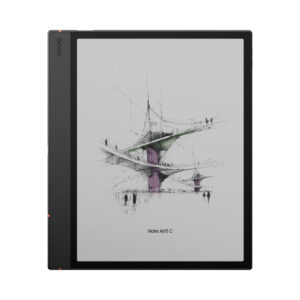
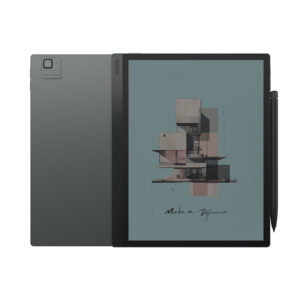
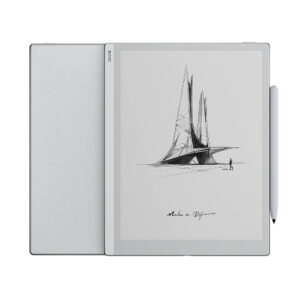
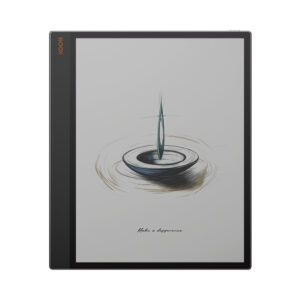
E Ink Tablets with similar specs to the BOOX Note Air2
Ratings & reviews
No reviews yet. Be the first to share your experience.
The bottom line
The BOOX Note Air2 earns a VS Score of 53, a solid mid-pack result among the 10 e ink tablets we compare here.
- Who it’s for
- People who mark up full-page PDFs and want an open device that runs the reading apps they already use, rather than a tablet locked to one bookshop.
- Who should look elsewhere
- Anyone who wants to read novels, who needs colour, or who depends on apps that demand a current Android release – the operating system here is several versions behind and the support window started years ago.
- The trade-off that matters
- The openness that makes it useful is tied to an ageing software base, so you gain app freedom today and inherit a shorter update runway than a new device would give you.
- The main alternative
- Amazon Kindle Scribe – a closed device with no app store at all, but current software, a similar writing experience and a lower price if your library already lives with Amazon.
The VS Score is calculated from the weighted specifications above, compared with every other e ink tablet we track — a shortlisting guide, not a substitute for your own priorities. See how we score.