Best E Ink Tablets
Our pick of the best e ink tablets, ranked by VS Score from 13 we compared.
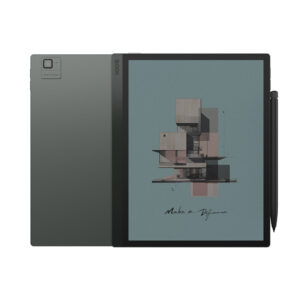
BOOX Tab Ultra C Pro
Top pickWho it’s for: Professionals who read, mark up and scan documents all day and want a paper-like screen that also takes a keyboard and runs their usual Android apps.
- Much more storage ?128 GB vs 64 GB (median)
- Much more RAM ?6 GB vs 4 GB (median)
- A bigger battery ?4,600 mAh vs 3,700 mAh (median)
68Points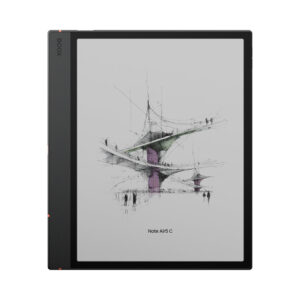
Who it’s for: Students and professionals who annotate as they read (long PDFs, papers, contracts) and want the marked-up copy and the reading copy on one device, at less than the Note Air6 C costs.
- Much more RAM ?6 GB vs 4 GB (median)
- A higher android version ?15 vs 12 (median)
65Points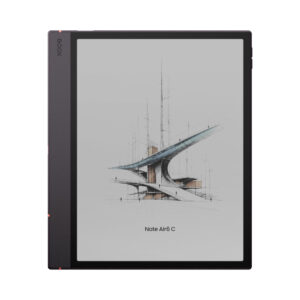
Who it’s for: Someone buying a first color E Ink notebook to mark up PDFs, papers and textbooks, who wants Google Play apps and the option of a keyboard cover.
- Much more RAM ?6 GB vs 4 GB (median)
- A higher android version ?16 vs 12 (median)
65Points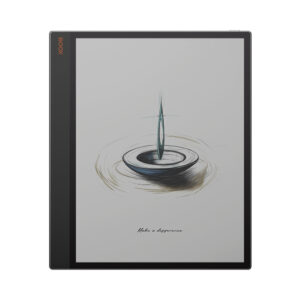
Who it’s for: Someone whose reading is full-page and larger (plans, scores, two-column papers, scanned textbooks) and who wants to spend hours in it without staring into a backlit panel.
- A much bigger battery ?5,500 mAh vs 3,700 mAh (median)
- Much more storage ?128 GB vs 64 GB (median)
- Much more RAM ?6 GB vs 4 GB (median)
65Points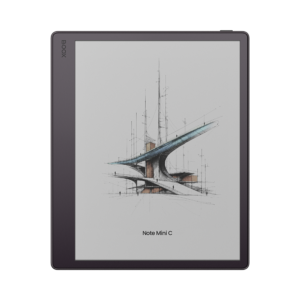
Who it’s for: A reader of PDFs, papers and slides who wants to mark them up in color on a commute, with Google Play apps on the same device.
- Much more RAM ?6 GB vs 4 GB (median)
- A lighter build ?300 g vs 430 g (median)
- A higher android version ?16 vs 12 (median)
64Points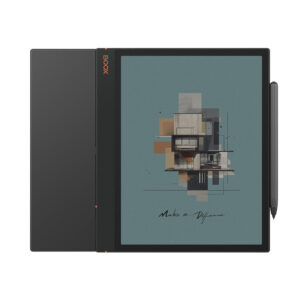
Who it’s for: A student or note-taker who wants color highlighting and open Android on a budget, and can buy it at a real discount to BOOX's current model.
62Points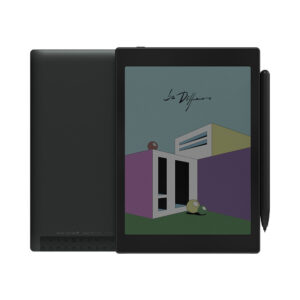
Who it’s for: Someone whose reading is mostly PDFs, comics and technical material where color carries information, and who wants to annotate by hand without carrying a second device.
- A bigger battery ?5,000 mAh vs 3,700 mAh (median)
- A lighter build ?310 g vs 430 g (median)
61Points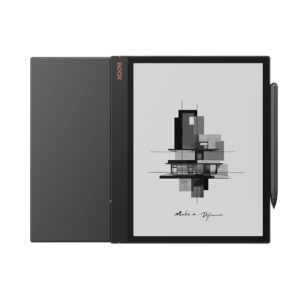
Who it’s for: People who mark up full-page documents (papers, contracts, sheet music) and need the same device to run whatever reference or PDF app their work depends on.
55Points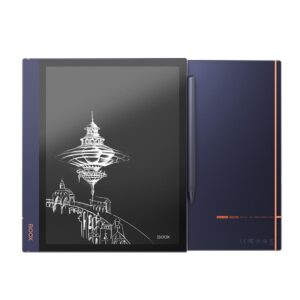
Who it’s for: People who mark up full-page PDFs and want an open device that runs the reading apps they already use, rather than a tablet locked to one bookshop.
- A slightly lighter build ?420 g vs 430 g (median)
51Points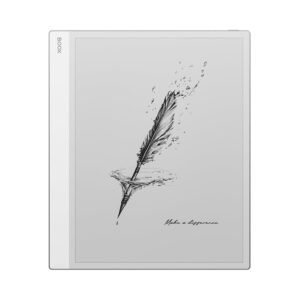
Who it’s for: Researchers, lawyers and musicians who live in fixed-layout PDFs and want to mark them up at close to printed size, mostly at a desk or in good daylight.
- Much more storage ?128 GB vs 64 GB (median)
- Much more RAM ?6 GB vs 4 GB (median)
- A bigger screen ?13.3" (33.78 cm) vs 10.3" (26.16 cm) (median)
46Points