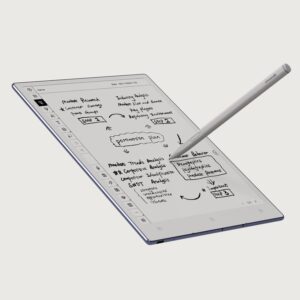
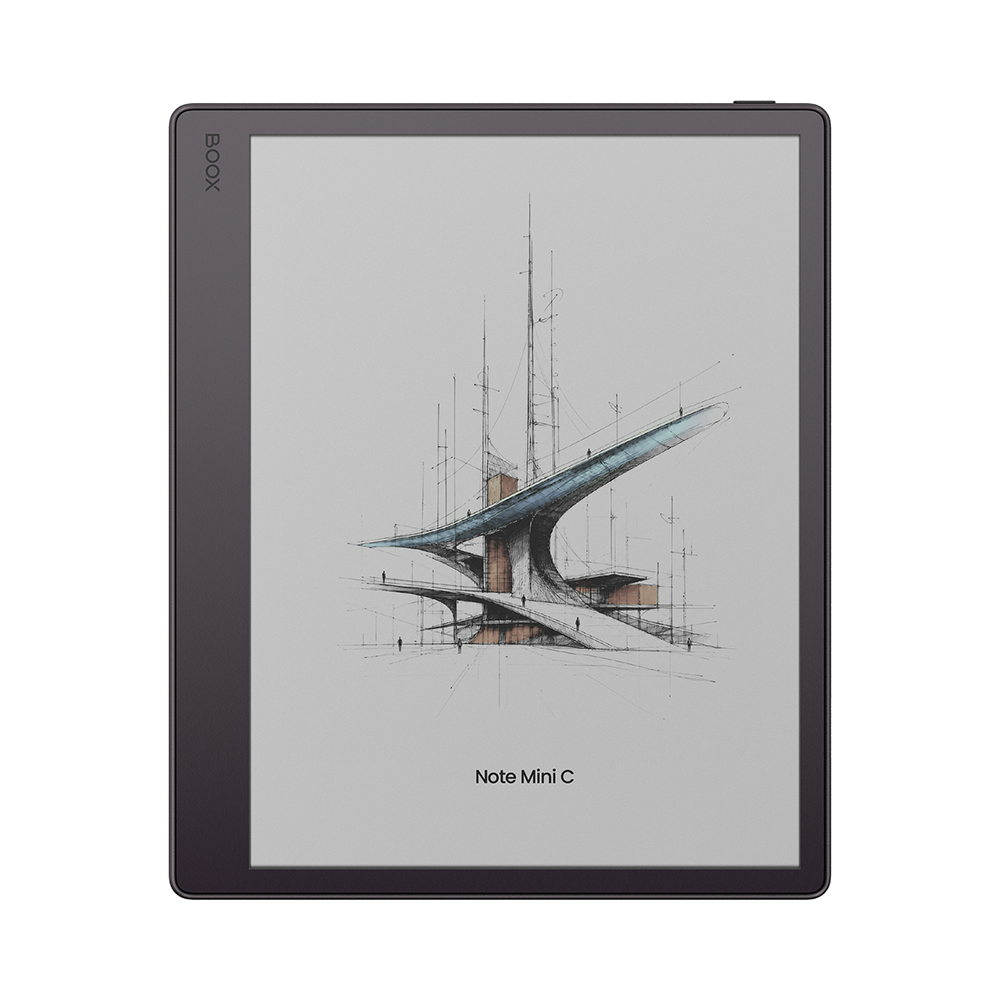
BOOX Note Mini C: Specs, Features, Pros & Cons
BOOX built the Note Mini C to put its Note series software and a pen into a color tablet you can hold in one hand. The screen is an 8.52-inch E Ink Kaleido 3 panel in a squarish 4:3 frame. BOOX puts the weight at about 300 g and the thickness at 6 mm, which makes it the smallest tablet in its Note line.
Kaleido 3 lays a color filter over a black-and-white E Ink panel. Text renders at 300 ppi, while color comes through at 150 ppi. That suits highlights, chart lines and comic panels far better than photographs. The front light is dual-tone, warm and cold, so it can be shifted toward amber for reading late at night.
By our arithmetic, a letter-size PDF fitted to the page comes out at about 60 percent of its printed size, so 10-point body text shrinks to roughly 6-point. EPUBs and slide decks reflow or scale without trouble. Dense papers need cropped margins or a page read in halves with the tablet turned sideways. For research reading, BOOX links its own apps to Zotero, which pulls papers in, and to Readwise, which takes highlights out.
Android 16 and the Google Play Store make it more than a BOOX-only device. The Kindle, Kobo and Libby apps install the way they do on any Android tablet, so a library is not locked to one store. A microSD slot sits beside the 64 GB of storage, so a big PDF collection can stay on the tablet. The bundled pen is BOOX's new InkSight, an active stylus that charges over USB-C, which means one more battery to keep topped up. BOOX lists no other pen for this model.
Category strengths
Where the BOOX Note Mini C beats the median
- Much more RAM ?6 GB vs 4 GB (median)
- A lighter build ?300 g vs 430 g (median)
- A higher android version ?16 vs 12 (median)
Where the BOOX Note Mini C trails the median
- A smaller screen ?8.52" (21.64 cm) vs 10.3" (26.16 cm) (median)
- A smaller battery ?3,150 mAh vs 3,700 mAh (median)
- No biometric unlock ?
- Lower resolution ?2,048 px vs 2,480 px (median)
- A slightly thicker body ?6 mm vs 5.8 mm (median)
How this VS Score was computed
Score 64: each known spec is measured against the median of E Ink note e ink tablets (13 products), then weighted. 54% of the scoreable weight could be used. See how we score
| Specification | This product | Cohort median | Score weight | Points moved |
|---|---|---|---|---|
| Front light | Yes | 69% of the class have it | 1 | +50.0 |
| Color display | Yes | 54% of the class have it | 0.7 | +35.0 |
| Adjustable warm light | Yes | 69% of the class have it | 0.7 | +35.0 |
| Weight | 300 — capped at the class’s lower range (310) | 430 | 1.5 | +28.5 |
| RAM | 6 | 4 | 1 | +25.0 |
| Expandable storage (microSD) | Yes | 58% of the class have it | 0.5 | +25.0 |
| Screen size | 8.52 | 10.3 | 1.5 | −13.5 |
| Battery capacity | 3,150 | 3,700 | 1.5 | −10.5 |
| Biometric unlock | No | 75% of the class have it | 0.2 | −9.6 |
| Android version | 16 | 12 | 0.5 | +8.5 |
| Thickness | 6 | 5.8 | 0.7 | −1.4 |
| Pixel density | 300 | 300 | 1.5 | +0.0 |
| Pen pressure levels | 4,096 | 4,096 | 0.7 | +0.0 |
| Internal storage | 64 | 64 | 0.7 | +0.0 |
Not scored: Resolution (one resolution dimension is not a sharpness measure; pixel density is scored instead); Fast refresh modes (standard for the class (100% have it)); Stylus included (standard for the class (92% have it)); Pen latency (unknown: not scored); Palm rejection (unknown: not scored); Handwriting recognition (standard for the class (100% have it)); Pen eraser (unknown: not scored); App store (standard for the class (100% have it)); Cloud sync (standard for the class (100% have it)); Subscription required (unknown: not scored); Screen mirroring (unknown: not scored); Split-screen (unknown: not scored); Battery life (weeks) (unknown: not scored); Charge time (unknown: not scored); USB-C (standard for the class (100% have it)); Bluetooth (standard for the class (100% have it)); 5 GHz Wi-Fi support (unknown: not scored); Keyboard support (unknown: not scored); Speakers (standard for the class (100% have it)); Microphone (standard for the class (100% have it)); Rear camera (unknown: not scored).
Editor’s note
The price puts the Note Mini C in an odd spot. BOOX launched it at the same price as the 10.3-inch Note Air6 C. The bigger model adds a fingerprint reader, a keyboard cover option and a 3,700 mAh battery. For anyone who reads PDFs mostly at a desk, the Air6 C is the better buy. The Mini justifies the same money only when one-handed carry is the whole point, on a commute or standing at a lab bench.
BOOX rates the 3,150 mAh cell only in words: several days with normal use and weeks in standby with the radios off. That small cell is where I would hesitate, because it sits behind a front-lit color screen. Plan on charging it every few days.
Handwriting-to-text and offline OCR, which BOOX says works in more than 30 languages, are worth having on a tablet built for marked-up documents. Talk Insights, the recording and transcription feature, needs an internet connection and works only in some regions and languages. It is a bonus, not a reason to buy.
The missing fingerprint lock and keyboard cover cost little at this size, since typing on a screen this small is a stopgap anyway. The missing page-turn buttons cost more. BOOX sells the Mini on one-handed reading, yet its only physical control is the power button, so every page turn is a tap or a swipe on the glass. The Kobo Libra Colour has buttons for that and costs much less, if margin notes are all the pen work you do.
BOOX commits to firmware updates for more than three years from launch, so a tablet bought in 2026 should be covered into 2029. That promise carries more weight than any single feature. The hardware warranty is one year, which is short for a tablet at this price.
Specifications
Display
Writing
Software
Performance
Battery
Connectivity
Design
Sources and verification
Where the specifications come from
- Official product pageshop.boox.com
Verification
- First published
- Specifications last checked
- Sheet completeness
- 28 of 41 specifications verified; the rest show as Unknown and are never estimated or scored
- Page type
- Product specification page — Compiled from the manufacturer’s published specifications and the cited sources; this is not a hands-on test.
- Basis
- Research-based: specifications and editorial text were compiled from the documents listed here and the manufacturer’s published data. We have not tested this unit ourselves; where independent measurements are mentioned they belong to the linked publication.
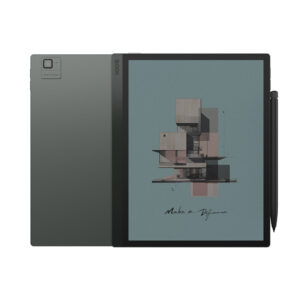
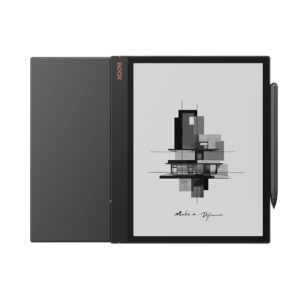
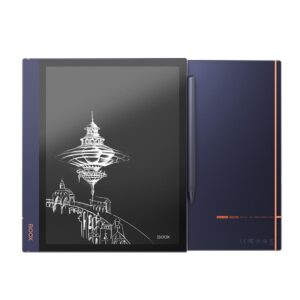
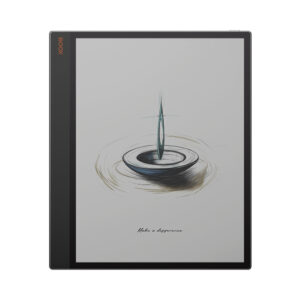
E Ink Tablets with similar specs to the BOOX Note Mini C
Ratings & reviews
No reviews yet. Be the first to share your experience.
The bottom line
The BOOX Note Mini C earns a VS Score of 64, above the median of the 13 E Ink note e ink tablets it is measured against (a score of 50 is level with that median).
- Who it’s for
- A reader of PDFs, papers and slides who wants to mark them up in color on a commute, with Google Play apps on the same device.
- Who should look elsewhere
- Anyone who mostly reads novels should look elsewhere. A black-and-white reader such as the Kobo Clara BW costs much less and has a bookstore built in.
- The trade-off that matters
- Dense PDFs need margin cropping or half-page views on a screen this size, and that is the cost of a pen tablet that fits one hand.
- The main alternative
- reMarkable Paper Pro Move: a narrower color pen tablet rated for up to two weeks per charge, for notes first and no Android apps.
This page was created with the help of AI. How we work