Acer announced the EP130K on September 2, 2026, a 13.3-inch e-paper monitor with touch and stylus support. It arrives in the first quarter of 2027 at $749.99 in North America and €749 in Europe. On paper, its screen matches one of the best-known large E Ink tablets, the BOOX Note Max, pixel for pixel. That raises a fair question for anyone who reads and marks up PDFs all day. Is the Acer EP130K a replacement for an E Ink tablet, or a different tool that happens to share a panel size? This comparison sets the published specifications side by side and explains where each device fits.
What Acer announced
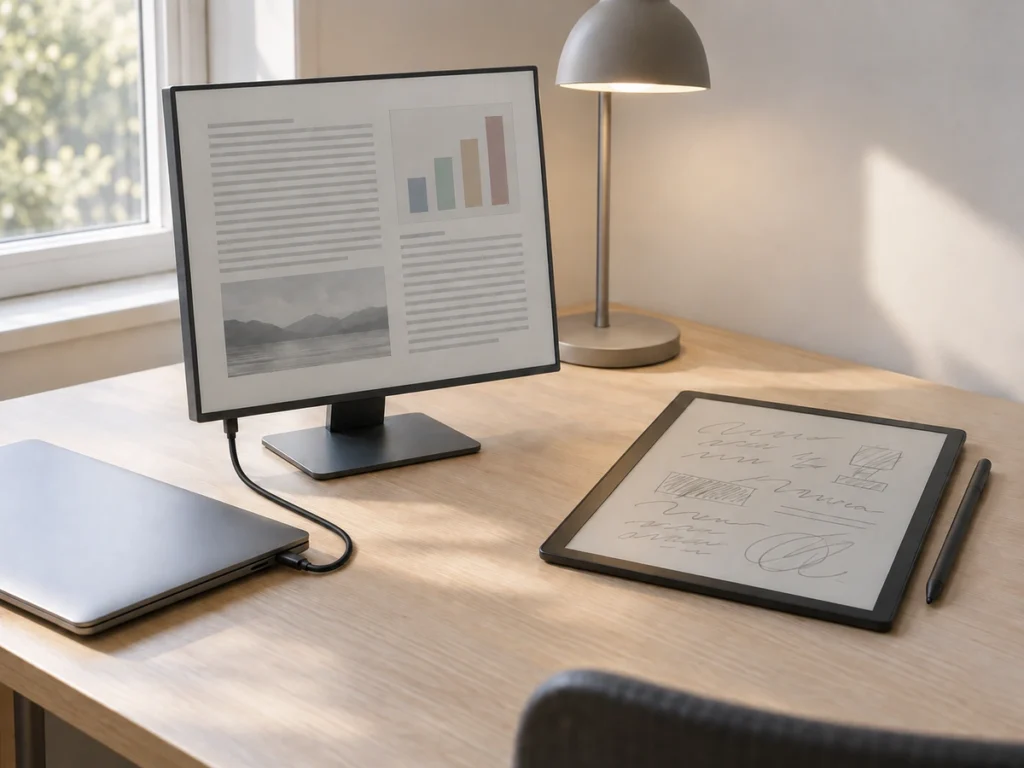
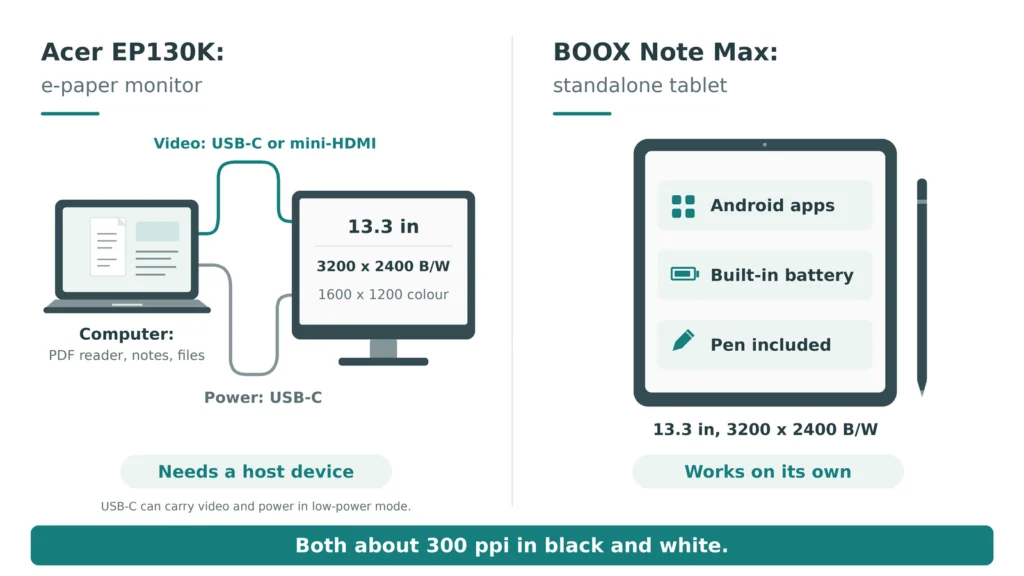
The EP130K is a monitor, not a tablet. It connects to a computer or another source through a mini-HDMI port or one of two USB-C ports, and it takes power over USB-C. Acer lists two display modes:
- Black and white: 3200 x 2400 at 60 Hz
- Colour: 1600 x 1200 at 60 Hz, with up to 4,096 colours
Acer also lists a 20 ms response time, a matte surface, two 1 W speakers, an audio output and a stand that tilts from 0 to 180 degrees. Like other e-paper screens, it is bistable, so the last image stays visible when power is removed.
The announcement does not name the panel technology. The colour figures follow the pattern of E Ink’s colour-filter panels, which show colour at half the black-and-white resolution. Still, Acer has not confirmed the exact panel.
The same pixel density, on paper
Both screens are 13.3 inches, and both show 3200 x 2400 pixels in black and white. A quick calculation gives the pixel density:
- Diagonal in pixels: the square root of (3200 squared plus 2400 squared) equals 4,000
- Density: 4,000 divided by 13.3 inches equals about 300 pixels per inch
That matches the 300 ppi that BOOX quotes for the Note Max’s Carta 1300 screen. In colour mode, the Acer drops to 1600 x 1200, or about 150 ppi. So text in colour will look noticeably softer than in black and white.
| Feature | Acer EP130K | BOOX Note Max |
|---|---|---|
| Device type | E-paper monitor | Standalone Android tablet |
| Screen | 13.3 in, black and white plus colour | 13.3 in Carta 1300, black and white |
| Resolution | 3200 x 2400 (colour 1600 x 1200) | 3200 x 2400 |
| Pen | Stylus supported, bundle not stated | Pen included |
| Front light | Not stated | None |
| Power | USB-C input, no battery listed | Built-in battery |
| Price | $749.99 from Q1 2027 | Launched at $649 |
A monitor needs a computer, and that changes everything
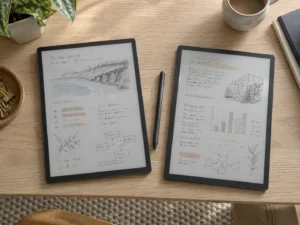
This is the difference that matters most. The BOOX Note Max runs Android with its own reader and notes apps, so it works on its own on a train, in a meeting or on a sofa. Our BOOX Note Max page describes it as an A4-class writing slate that shows a letter-size PDF at close to print scale.
The EP130K, by contrast, shows whatever the connected device sends it. Your PDF reader, your annotation tool and your file storage all live on the computer. That has real advantages. You keep the desktop software you already use, including reference managers, code editors and full PDF editors. You also avoid the question of whether an Android app behaves well on E Ink.
The trade-off is portability. Acer’s announcement lists power input over USB-C but no battery, so the EP130K needs both external power and a video source. It is a desk device first.
Writing on it is still an open question
Acer says the touch screen supports stylus use. It does not say whether a pen comes in the box, which pen protocol it uses, or how pressure is handled. Those details decide whether handwriting feels natural or laggy. On a tablet like the Note Max, the pen, the screen driver and the notes app come from one company and are tuned together. On a monitor, the computer’s operating system and software handle the ink. Until reviewers test the EP130K with real annotation apps, its note-taking quality is unknown.
Light, colour and eye comfort
Neither device lists a front light. The Note Max has none by design, which BOOX trades for a page that sits closer to the glass. Acer does not mention one at all. Either way, plan on a desk lamp.
Colour is where the Acer adds something the Note Max lacks. Charts, highlighted text and coloured diagrams will show in colour, at lower resolution, and a researcher who reads figures in papers may care about that. Plain text and sheet music stay sharper in black and white at full resolution.
Which one suits you?
- Choose the BOOX Note Max if you want a large E Ink device you can carry, write on with a tuned pen, and use away from a desk. It is also available now.
- Wait for the Acer EP130K if you mostly read documents on a computer and want an e-paper second screen for long sessions, with colour for charts. Wait for independent reviews of its refresh behaviour and stylus before paying $749.99.
- Consider a smaller lit tablet if you read in bed or on evening travel. Neither 13.3-inch device lists a front light.
Which device fits which job
The Acer EP130K and the BOOX Note Max share a screen size and a black-and-white resolution, but they solve different problems. BOOX built the Note Max as a self-contained reading and writing tablet. By contrast, the EP130K brings e-paper to the software you already run on a computer. If your PDFs live in desktop tools, the Acer is worth watching when it ships in early 2027. Anyone who wants to leave the desk should stay with the tablet.