Review

reMarkable Paper Pro Review, Judged as a Reader

A book bought from Kindle, Kobo or a library app will not open on the reMarkable Paper Pro. reMarkable's ebook support page is plain about it: the tablet reads EPUB and PDF files, and books with DRM cannot be opened. For a site about reading, that sentence matters more than the color screen.

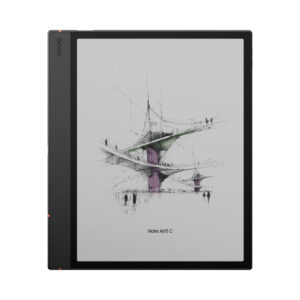
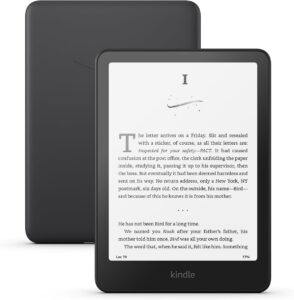
The Paper Pro is reMarkable's 11.8-inch color model, above the reMarkable 2 and the newer, cheaper, black-and-white Paper Pure. Its rivals for a reader are Android E Ink tablets such as the BOOX Note Air5 C, which run the Kindle and Libby apps, and a plain Kindle Paperwhite next to any notebook.

Nobody here used one, so it relies on reMarkable's specifications and support pages, Notebookcheck's lab measurements, and reviews from Engadget and Pocket-lint written by people who used the tablet daily.

Buy it to write, sketch and mark up your own PDFs and papers in color. Skip it as your main e-reader, because most of the books you own cannot be opened on it.
By Published Research-based assessment

Affiliate disclosure: the price links on this page may earn us a commission at no extra cost to you. Retailers cannot pay for placement or influence the score. How we stay independent

Quick verdict

reMarkable Paper Pro, 11.8-inch Canvas Color paper tablet with Marker Plus (US)
6.0/10
Editorial ratingFairWeighted average of 5 rated sections.

Writing on PDFs in color is what it does best, and a student or researcher who keeps reading novels on a separate e-reader will get the most from it.

Strengths

  • Color highlights on a page close to A4
  • No flicker from the front light
  • Handwriting conversion and Google Drive, Dropbox and OneDrive access work without paying for anything

Weaknesses

  • Kindle, most Kobo and all library books will not open
  • A very dim reading light with no warm tone
  • Thin EPUB settings

Key specifications

Model
reMarkable Paper Pro
Screen
11.8-inch Canvas Color (E Ink Gallery 3 based), 2160 x 1620, 229 ppi, textured glass, front light (one color temperature)
Reading formats
EPUB and PDF. DRM-protected books cannot be opened. No bookstore, no app store
Writing
12 ms latency (reMarkable), Marker or Marker Plus included depending on bundle
Battery
5,030 mAh, up to 2 weeks (reMarkable). About 20 hours in Notebookcheck's reading test
Charging
USB-C (USB 2.0), 0 to 90% in 90 minutes (reMarkable)
Storage
64 GB, no card slot
Connectivity
Wi-Fi 2.4 and 5 GHz. No Bluetooth, no speakers
Size and weight
274.1 x 196.6 x 5.1 mm, 525 g
Software
reMarkable OS (Linux-based). Updates promised for five years after sales end in reMarkable's store (Notebookcheck)
Subscription
Optional Connect plan after a 50-day trial. Without it, files unedited for 50 days stop syncing to the apps
Accessories
Book Folio and Type Folio keyboard sold separately or in bundles

How we reviewed it

Basis
Research-based: assessed from the manufacturer’s published specifications, documentation and the independent sources listed at the end. We have not tested this unit ourselves; any measurement quoted belongs to the cited source.
Method

Screen size, resolution, battery, charging, latency, weight and connectivity were read from reMarkable's comparison page. File formats and DRM limits come from reMarkable's ebook support article. Free and paid cloud features come from reMarkable's Connect pricing page and its March 2026 price-change notice. Front-light brightness, contrast, battery runtime, charging time and power draw are Notebookcheck's measurements. Color rendering while writing comes from Engadget's review, and reading habits from Pocket-lint's report on using it in place of a Kindle. The scores assume someone who reads as much as they write.

Evidence

Notebookcheck measured the front light at about 4 nits at its maximum, found no PWM flicker, and ran the tablet for about 20 hours in its reading test with Wi-Fi on and the light at minimum. Engadget describes color strokes that appear gray first and fill in after a refresh. Pocket-lint describes the extra steps needed to get books onto the tablet. reMarkable documents the DRM limit and the free-tier sync rule.

Limitations

Notebookcheck's battery figure comes from one reading loop, and reMarkable has not published how it arrives at its own figure of up to two weeks. Nobody has published a color gamut or ghosting measurement for the Canvas Color panel. Reports of yellow ghosting come from owners and vary between units. The reviews used here date from 2024 and 2025, before the latest software updates.

Books: EPUB and PDF, and nothing with DRM

5.0/10Mediocre
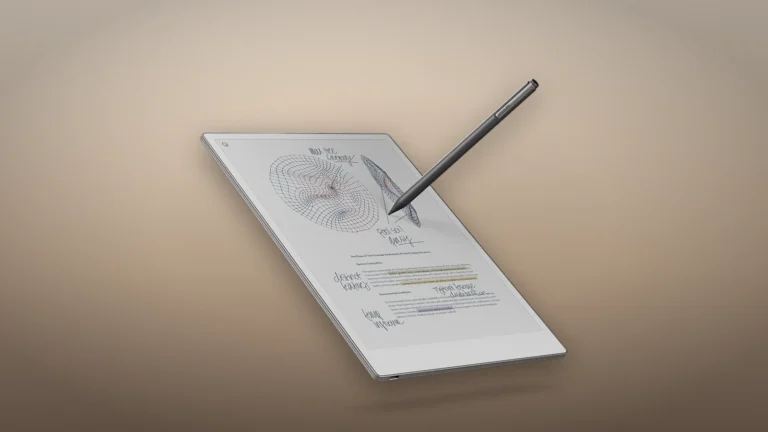
reMarkable Paper Pro at an angle with the Marker above an annotated page of sketches and highlighted typed text
Product illustration based on manufacturer imagery: reMarkable's angled render of the Paper Pro on a generated backdrop. The page on screen is reMarkable's own. Product illustration based on manufacturer imagery (reMarkable render)

The Paper Pro reads two formats. EPUB books get font and size settings, PDFs open as fixed pages, and both open inside the same note app, so you can write in the margins of either. reMarkable's ebook page rules out anything with DRM, and that is most of what a typical reader owns: Kindle purchases, most Kobo store books and library loans. There is no bookstore and no way to install one.

That leaves DRM-free EPUBs, academic PDFs, public-domain books and your own documents. Getting them on means a browser upload over USB, the desktop or mobile app, or the cloud. Pocket-lint's reviewer called it one extra step compared with a Kindle, and found the reading itself perfectly usable. Notebookcheck was less patient with the reader software: a few fonts, six font sizes, three line spacings, and parts that felt slow.

Format rules are spreading in the other direction too. Some stores have moved to Readium LCP, a protection scheme the Paper Pro does not support either.

For a reader with a Kindle library, the honest pairing is a Kindle for books and this for papers.

The color screen, for notes more than for pictures

7.0/10Good
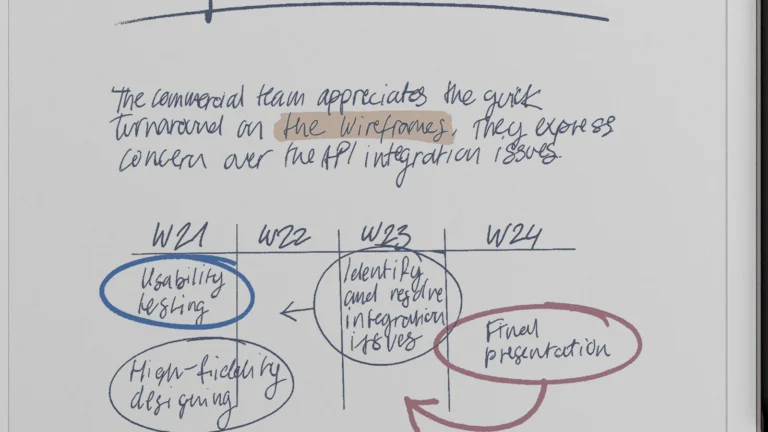
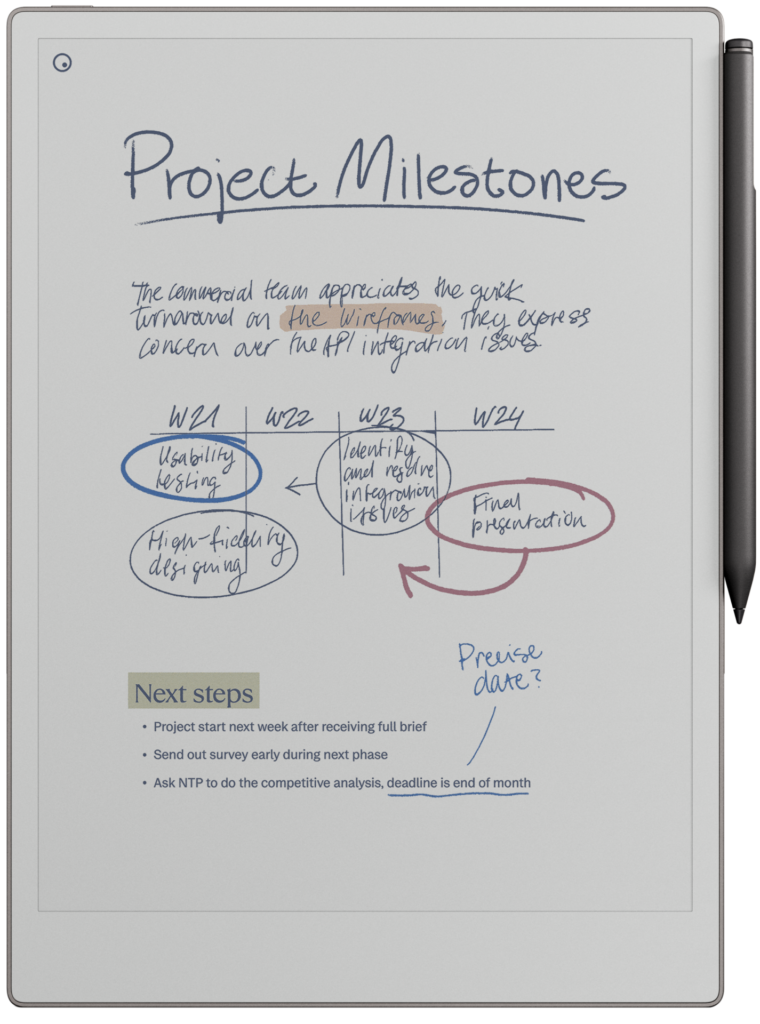
Close view of handwritten notes on the reMarkable Paper Pro screen with blue and red circled items and a light brown highlight
reMarkable's front render of the Paper Pro, cropped to the screen and enlarged. The on-screen notes are reMarkable's own. reMarkable product imagery

The 11.8-inch Canvas Color panel, reMarkable's version of E Ink's Gallery 3, runs at 2160 x 1620 and 229 ppi, and the resolution holds when color is on screen. Notebookcheck describes the colors as newspaper-like, with blue close to black unless the light is turned up. Engadget's reviewer found that a color stroke first appears in gray and only fills in after the screen refreshes, and that pale colors such as yellow look faint with a thin nib.

None of that hurts the job it does best. Highlighting a PDF in yellow, circling a figure in red, or keeping a diagram in three colors works well on a page this size, close to A4. Comics have "a satisfying pop", in Pocket-lint's words, but a 7-inch color Kindle or Kobo shows a page of a novel more sharply at a higher pixel density.

A reading light measured at about 4 nits

5.0/10Mediocre
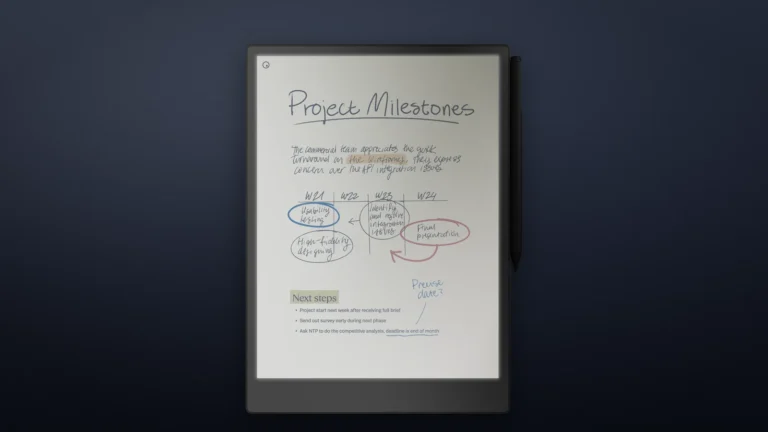
reMarkable Paper Pro front view on a dark blue backdrop with its reading light shown on in reMarkable's render
Product illustration based on manufacturer imagery: reMarkable's render of the Paper Pro with the reading light on, placed on a generated dark backdrop. The glow is reMarkable's depiction, and Notebookcheck measured the real light as very dim. Product illustration based on manufacturer imagery (reMarkable render)

This is reMarkable's first tablet with a front light, and it is a quiet one. Notebookcheck measured a maximum of about 4 nits with a spectrophotometer, very low against other E Ink readers, and found that it is still enough to read in a dark room. The light has one color temperature, a neutral white, with no warm setting for late-night reading. Engadget called it gentle even at full strength.

Notebookcheck found no PWM flicker, so the light does not pulse. As a bedside reader, though, it trails every recent Kindle and Kobo, which reach far higher brightness and offer a warm tone.

Weight, battery and charging

6.5/10Fair
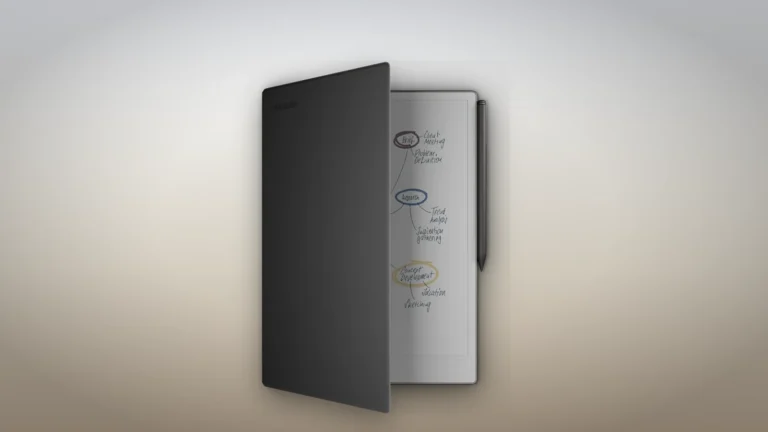
reMarkable Paper Pro standing in an open grey Book Folio with the Marker clipped to its edge
Product illustration based on manufacturer imagery: reMarkable's render of the Paper Pro in its Book Folio on a generated backdrop. The folio is sold separately or in bundles. Product illustration based on manufacturer imagery (reMarkable render)

At 525 g and 5.1 mm, the Paper Pro is thin but not light. Pocket-lint found it heavier and more unwieldy than a Kindle Scribe for reading in bed. A folio adds more weight, so it is a tablet you rest on a desk or your knees, not one you hold up in one hand.

reMarkable rates the 5,030 mAh battery at up to two weeks, and says USB-C charging fills most of it in an hour and a half. Notebookcheck's reading test lasted about 20 hours, with Wi-Fi on, the light at minimum and regular page turns. So two weeks means roughly an hour and a half a day. A full charge took just over two hours in the same test. Engadget's tablet was barely half drained after a week of daily writing.

There are no speakers and no Bluetooth, so audiobooks and text-to-speech are out.

What works without Connect

7.0/10Good
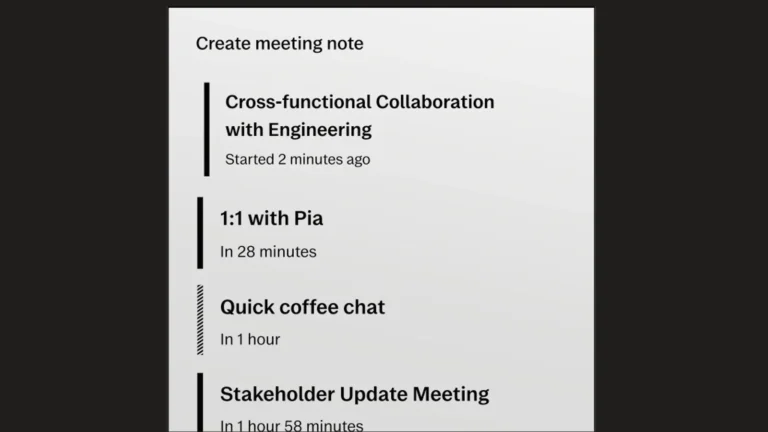
reMarkable software screen titled Create meeting note listing upcoming calendar meetings with their start times
reMarkable's own image of the Meeting Notes tool, a Connect feature, cropped to the on-screen list. reMarkable software imagery

Writing, reading, handwriting conversion, screen sharing, the desktop and phone apps for viewing notes, and Google Drive, Dropbox and OneDrive access all work without a subscription, according to reMarkable's plans page. Every new tablet gets a 50-day Connect trial.

The catch is in the sync. Without Connect, cloud sync is limited, and a file left unedited for that long stops syncing to the apps, though it stays on the tablet. Connect adds unlimited sync, handwriting search, editing notes in the apps, meeting notes from your calendar and the AI tools. reMarkable raised the Connect price in March 2026, the first rise since 2022.

On updates, Notebookcheck reports a promise of five years of software support after reMarkable stops selling the model in its own store, which is longer than most Android E Ink makers state. Our report on the 3.28 capture tool shows what a recent update added.

Alternatives worth considering

BOOX Note Air5 C

BOOX Note Air5 C

Readers who want Kindle and Libby books on a color E Ink tablet with a pen should take the BOOX Note Air5 C, which runs Android apps, and accept a busier, less focused system.

Supernote Manta

Writers who do not need color can take the Supernote Manta, a black-and-white notebook with no subscription model, and give up the color highlights.

Where to buy

We have no current, in-stock price for the reMarkable Paper Pro, 11.8-inch Canvas Color paper tablet with Marker Plus (US) from the retailers we track. The links below go to the listings we last saw; the price shown there may have changed.

No retailer listing is on record for this exact model at the moment.

Prices and availability come from retailer feeds and change without notice; the retailer’s page is authoritative. We may earn a commission if you buy through these links.

Final verdict

reMarkable Paper Pro, 11.8-inch Canvas Color paper tablet with Marker Plus (US)
6.0/10Editorial ratingFair

Score breakdown

Scores run from 1.0 to 10.0: 9+ exceptional, 8–8.9 excellent, 7–7.9 good, 6–6.9 fair, 5–5.9 mediocre, below 5 poor. The overall score is the weighted average of the rated sections. Unrated sections do not count.

Pros

  • Color highlights on a page close to A4
  • No flicker from the front light
  • Handwriting conversion and Google Drive, Dropbox and OneDrive access work without paying for anything
  • Five years of promised updates after sales end

Cons

  • Kindle, most Kobo and all library books will not open
  • A very dim reading light with no warm tone
  • Thin EPUB settings
  • Heavy to hold up in bed, heavier than a Kindle Scribe by Pocket-lint's account
  • Color strokes show gray until the refresh
  • No audio
  • Without Connect, idle files stop syncing to the apps

Conclusion

The Paper Pro is the best version of what reMarkable has always made: a calm, single-purpose notebook with a paper-like surface, now in color and with a light. Judged as a reader, it falls short in three places that a Kindle or Kobo owner will feel straight away. The books they own will not open, the light is too faint for a dark bedroom, and the tablet is heavy to hold up.

So it belongs beside an e-reader, not instead of one. Anyone who reads academic papers, reports or their own drafts and wants to write on them gets the best tool in this category. Anyone choosing one device for a Kindle library should look at an Android E Ink tablet or simply buy a Kindle.

Andreea-Viviana Jitaru’s take

I'd buy the Paper Pro for marking up PDFs and keeping notebooks, and I'd keep reading novels on a Kindle. Two devices sounds wasteful, but this one cannot open Kindle purchases or library loans, and the dim light settles the bedtime question. In a shop I would turn the light all the way up in a dim corner before deciding.

Best for
  • Students and researchers who live in PDFs
  • Color sketching
  • Anyone who already reads novels on a Kindle and wants a separate notebook that does not light up like a laptop
Consider an alternative if
  • Your books come from Kindle, Kobo or Libby
  • You read in bed every night with the light on in a dark room
  • You listen to audiobooks

Questions readers ask

Can the reMarkable Paper Pro read Kindle books?

No. reMarkable says ebooks with DRM cannot be opened, and Kindle books are not compatible. DRM-free EPUB and PDF files work.

Does it work with library books from Libby?

Library loans are DRM-protected, so they will not open. The tablet has no app store for the Libby app either.

How bright is the reading light?

Notebookcheck measured a maximum of about 4 nits. It is usable in a dark room but much dimmer than a Kindle, and it has no warm setting.

Do I need the Connect subscription?

Writing, reading, handwriting conversion and third-party cloud storage work without it. Without Connect, files that go unedited for 50 days stop syncing to the apps.

How long does the battery last?

reMarkable rates it at up to two weeks. Notebookcheck's reading test ran for about a day of continuous use (20 hours) with Wi-Fi on and the light at minimum.

About the reviewer

Editor

Andreea edits the written side of the site: the editor's note on each product page, the category buying guides and the blog. Her brief is to say what a specification table cannot: where a product is good, where it quietly compromises, and who should walk past it. A note that reads like marketing copy, or that praises a product without naming a drawback, does not go live.

This is a research-based assessment: the reviewer compiled it from published specifications, documentation and independent measurements rather than from testing the unit.

Profile and other work →

Sources

← Back to the blog