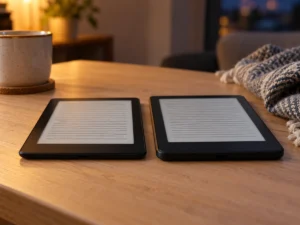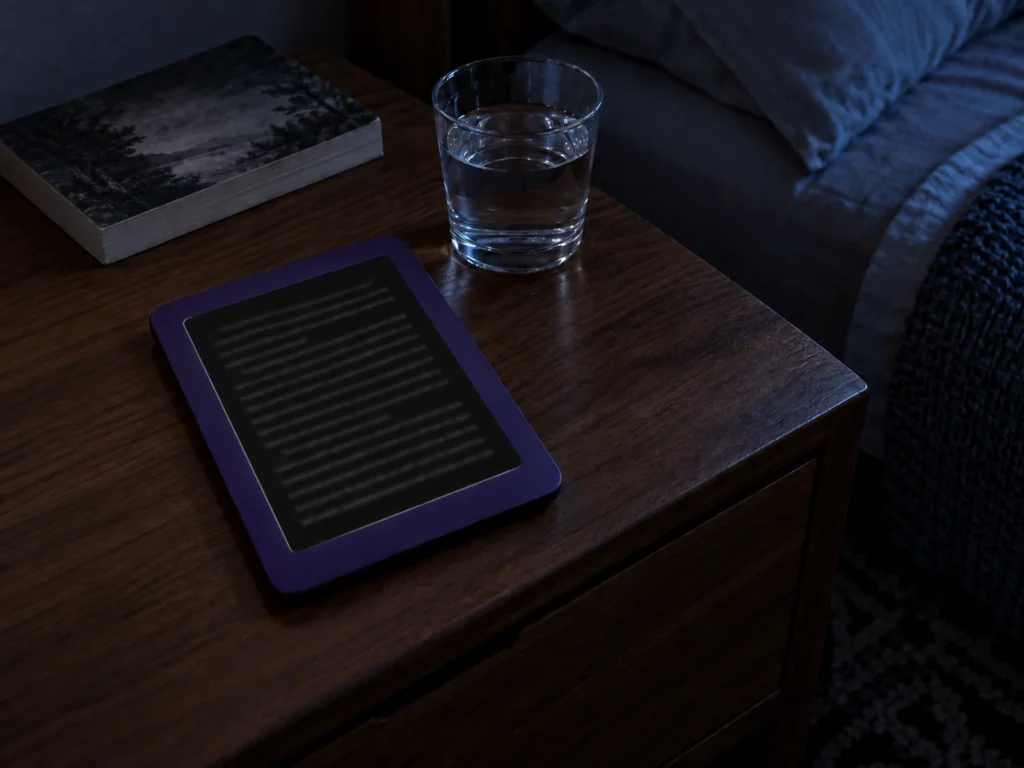
Amazon says the glow that owners of the new 6-inch Kindle see in dark mode “was expected in order for us to achieve a color bezel.” So the light bleed on the 2026 Kindle is a side effect of its design, and no fix or free exchange has been offered, whatever some headlines say. The glow runs along the edges of the page, where the colored front meets the screen. It shows most with dark mode on and the front light turned high, and turning the light down is the only remedy on offer.
A lit line around a black page
The redesigned Kindle went on sale on October 1. The list price is $149.99 with a plastic back in Ube or Graphite, or $189.99 with an aluminum back, 32 GB of storage and no lockscreen ads. About a week later, owners on Reddit were posting photos of bright lines around the screen: white text on a black page, with a lit border around it.
Nathan Groezinger of The eBook Reader bought both versions. He describes light reflecting off the inner edge of the bezel and forming an illuminated line, easier to see at higher brightness and on the aluminum Kindle. Someone who wants dark mode at night all the time, he wrote, may want a different model.
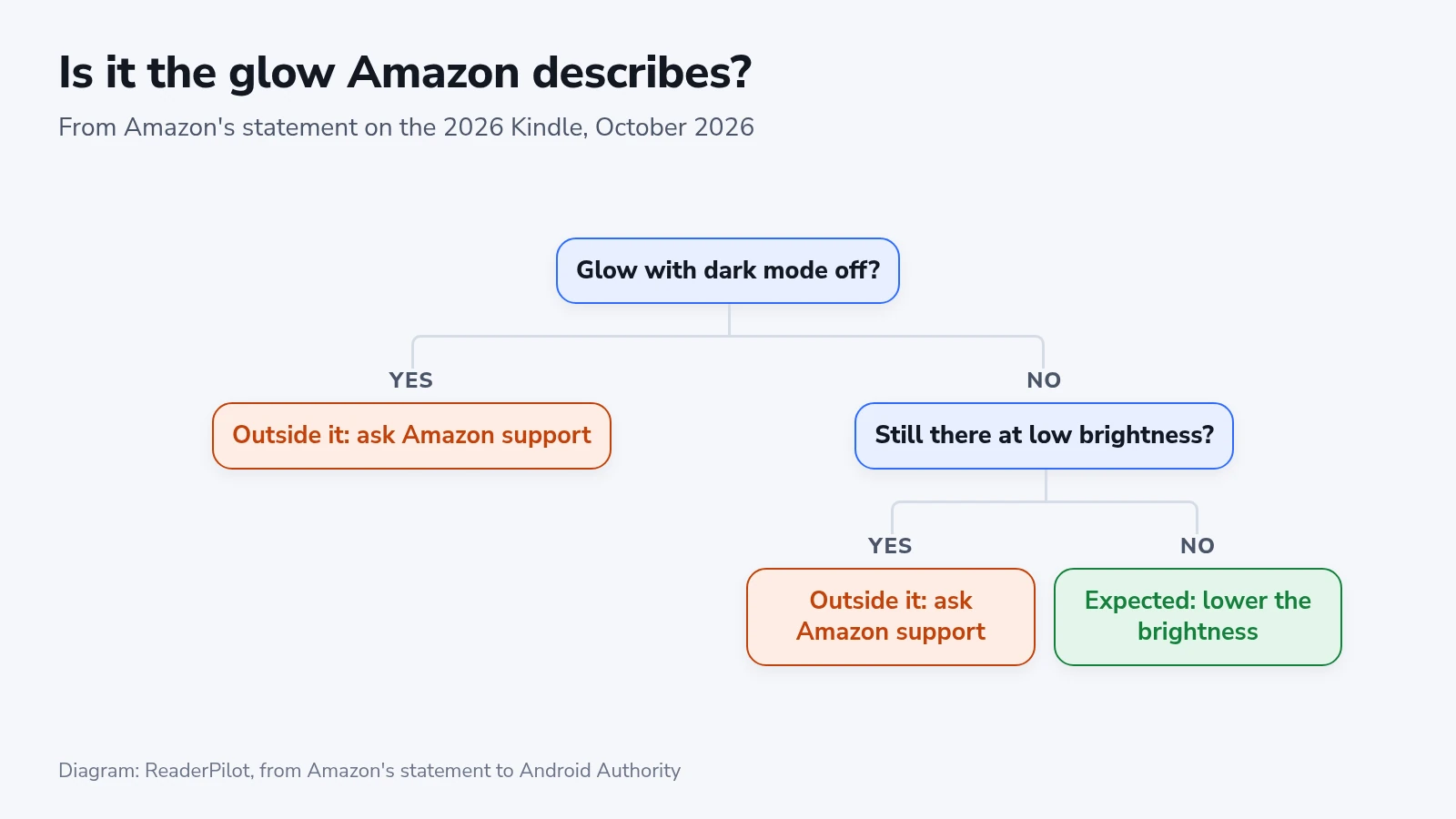
The statement the company gave Android Authority describes the same conditions: “when a device is in dark mode with brightness at max in a dark setting, customers may see a glow around the edges of the book.” It adds that the glow “only appears in certain conditions like when in dark mode with high brightness.” Good e-Reader received a version that ends with the remedy, a lower brightness setting in dark mode.
How the flush front differs from the 2024 bezel
Every 2026 Kindle uses what the company calls a reverse stack display, so the front is flush with no raised border around the page. The October 1 announcement says this “required rethinking how the display, front light, and touch layers are assembled and bonded.” The color of each Kindle now wraps from the back onto the front.
The 2024 Kindle sets its screen below a raised plastic bezel. Groezinger points out a thin black line under the bezel edge on both generations, which on the new model sits beneath the flush layer. On a white page a lit edge has nothing dark to stand out against. A black page in dark mode is where it shows.
Where the replacement reports came from
Good e-Reader’s October 8 story first called the glow a hardware defect and told owners to ask for a replacement. It also said the company admitted that some current batches had a problem. The quote it printed in support names no spokesperson and speaks in general terms: prominent light bleeding “is often considered a defect,” and owners with severe bleed “are typically advised to exchange the device.”
The statement the site later added as an update is the one Android Authority received, and it calls the glow expected. Android Headlines ran its own story on October 9, headlined as Amazon offering replacements and citing Good e-Reader. It added that the Paperwhite and Colorsoft are unaffected. The on-record statement names no batch, no model and no exchange program. A Kindle that glows only in dark mode at high brightness is working as designed, by that account.
Paperwhite and Colorsoft get the same colored front
The statement ties the glow to the color bezel, and the October 1 announcement gives the whole family that front. The Paperwhite and Colorsoft have the reverse stack display, the flush surface and the same edge-to-edge color. Both were still on preorder when the reports began, so owners have had no chance to try them in dark mode.
Of the three, only the Colorsoft’s description says anything about stray light. Its light guide uses micro-deflectors meant to minimize stray light and improve uniformity. Whether that changes what happens at the edges of a black page will be clear once the first preorders arrive.
Checking your own Kindle
Do the check in the room where you read at night, since the statement is about a dark setting.
- Turn on dark mode and open a page of text.
- Set the front light where you normally keep it, then raise it to full and lower it again.
- Turn dark mode off and look at the edges of a white page at the same brightness.
A line that fades as you lower the light and is gone on a white page matches the glow described as expected. A bright edge on a white page falls outside that description, as does a line that stays at the brightness you read at. Either is worth raising with Amazon support while the Kindle is new.
Groezinger found the line easier to see on the aluminum model. If you plan to swap one Kindle for the other, try the plastic one first.