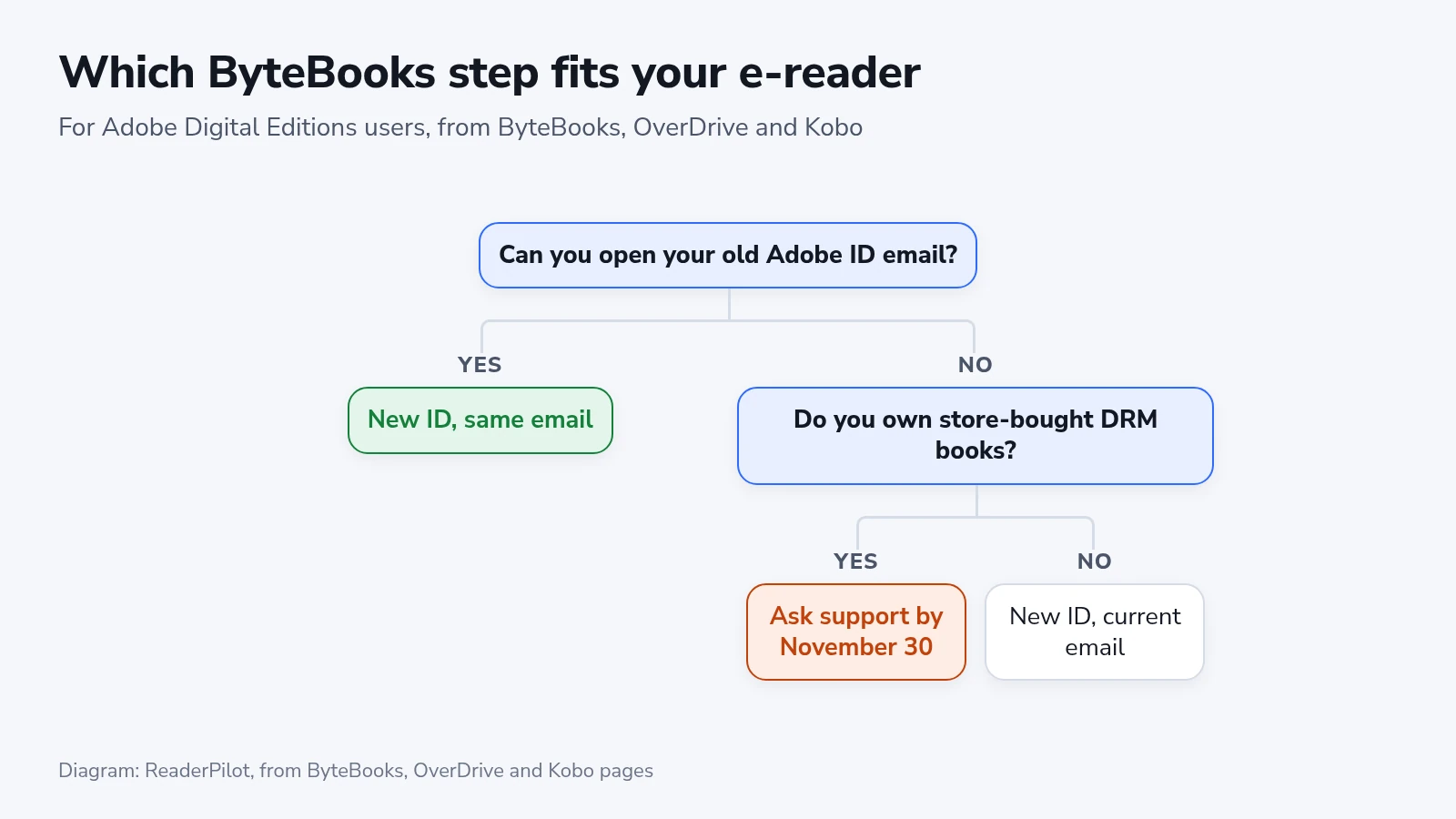
If you load library books or DRM-protected store books onto an e-reader through Adobe Digital Editions, check now that you can still open the mailbox behind your old Adobe ID. A ByteBooks ID has replaced the Adobe ID, and your books follow that email address. If the mailbox is gone, ByteBooks will help recover the account only until November 30. The date appears in one FAQ answer on ByteBooks' site, and we didn't find it on the Adobe, OverDrive or Kobo pages about the change.
Who needs a ByteBooks ID, and when
OverDrive says ByteBooks IDs replaced Adobe IDs on June 23, 2026, because Wipro now runs Adobe's e-book platform. Nothing changed by itself on that date. A computer or e-reader you authorized with an Adobe ID keeps working until something makes it sign in again.
Three things are likely to trigger that:
- You install Adobe Digital Editions on a new computer.
- The app asks you to authorize it again, or shows the error E_ADEPT_RESET_PW_REQUIRED.
- You factory reset a Kobo or sign out of your Kobo account. Kobo says the Adobe authorization is stored only on the e-reader.
You may not need Adobe Digital Editions for most Kobo Store purchases. Kobo also says many newer readers can borrow library books directly. On a compatible reader such as the Kobo Clara BW, check the built-in library borrowing option, and whether your library supports it, before you set up a computer transfer.
Lost the old email address
ByteBooks support helps only if you've signed in to Adobe Digital Editions or an e-reader with that Adobe ID and downloaded DRM-protected books. It also asks for details of recent transactions, so gather your order emails before you write to ebooks-support@wipro.com.
Anyone with store-bought DRM books should hold off on a new account. eBooks.com tells customers in this spot to contact support first, and Kobo warns that a different email may mean downloading your books again from wherever you got them. A store that no longer sells a title makes that a real problem.
If you only borrow library books and don’t need to keep earlier authorizations, a new ByteBooks account may be enough. Check your library’s instructions before you switch, especially if you have a current loan you still want to read.
Set it up while your old email works
If your reader is already authorized and working, you don't need to change how it signs in right away. It's still worth signing in to the old mailbox now, because ByteBooks helps with recovery only until November 30, 2026.
- Go to the ByteBooks transition help page and pick Already have an Adobe ID account.
- Enter the same email as your Adobe ID and confirm it with the one-time code.
- In Adobe Digital Editions, click Help, then Authorize Computer.
- Keep Adobe ID as the vendor, then type your ByteBooks email and password.
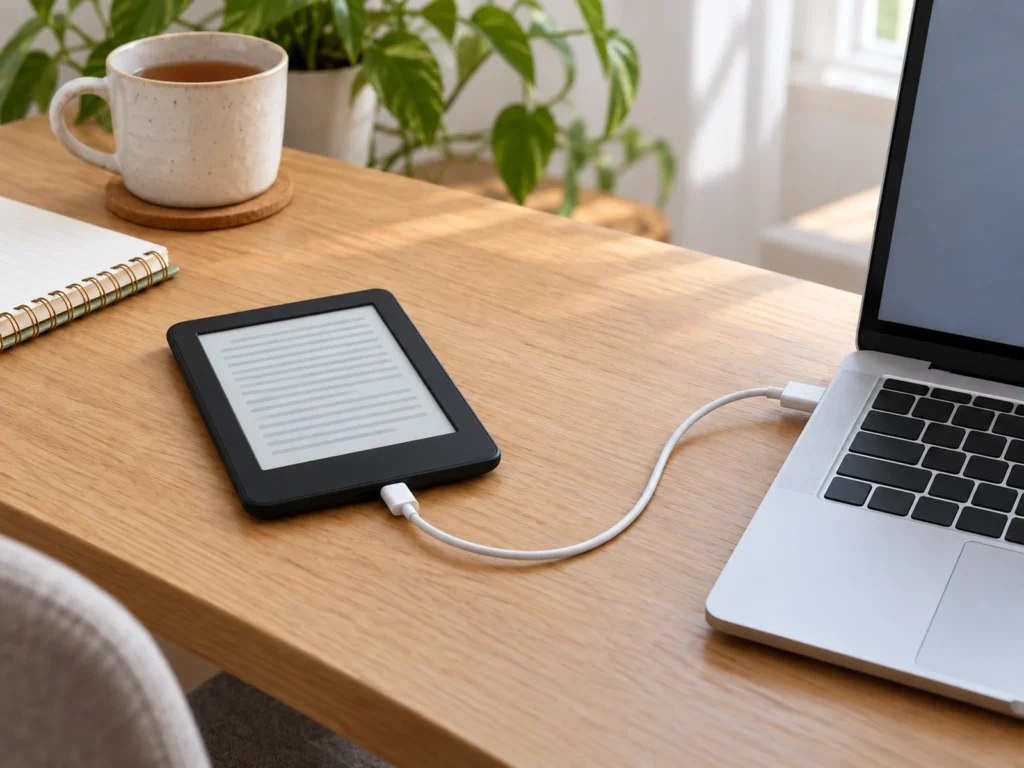
- Connect your Kobo by USB, click the gear icon beside it under Devices, and click Authorize Device.
The app still says Adobe ID on that screen. ByteBooks says that's expected, and you don't need a new version of the app. Some books may need a fresh download from the store or library.
What comes after Adobe Digital Editions
eBooks.com says replacement ByteBooks Digital Editions apps may follow, with no timing confirmed. You don't have to replace a working app in the meantime.
eBooks.com already points customers who'd rather skip ByteBooks to Thorium Reader, to its own online reader and to Readium LCP, a different DRM system.
For books you buy, keep the order records and the email address you used for authorization. Support asks for those details if you need to recover the account.